


Retro: Reviving Amiga - Part 2
22/12/2025

Hey, it's been two months since last amiga post, and probably more than three since I started working on my Amigas. All of that stuff takes way more time than I anticipated. But that's fine, there is no hurry. Let's have a look at what I managed to accomplish!
Amiga 600 is still in refurbishment due to Rime being a busy guy. I expect to get it back in early January. In the meantime I've started progressing with Amiga 1200.
(You can click on the images for full size)
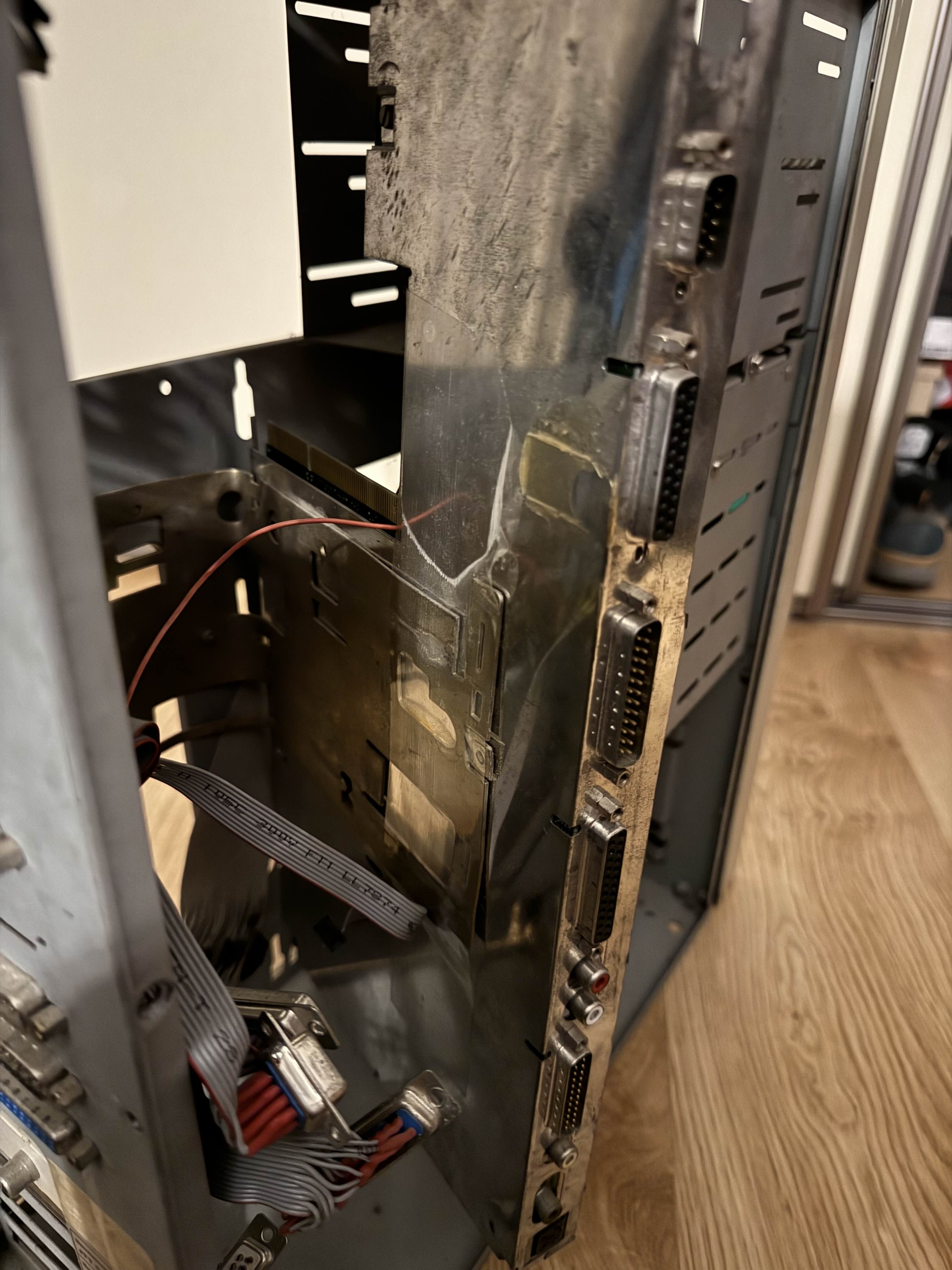
First step was to extract it from the AT PC case. Motherboard was attached via some metal part, but I didn't know how just yet, so I started inspecting it. Metal part was bent, so I pulled out all of the plugs from the rear I/O and unbent it a little. As it turned out, it was some kind of I/O shield repurposed into a bracket. Motherboard has been taped to it. It still has the original bottom RF shield on.
As I started to pull it out, I found out that there was also glue in addition to the tape. I was worried that I would bend the shield, but it separated eventually.
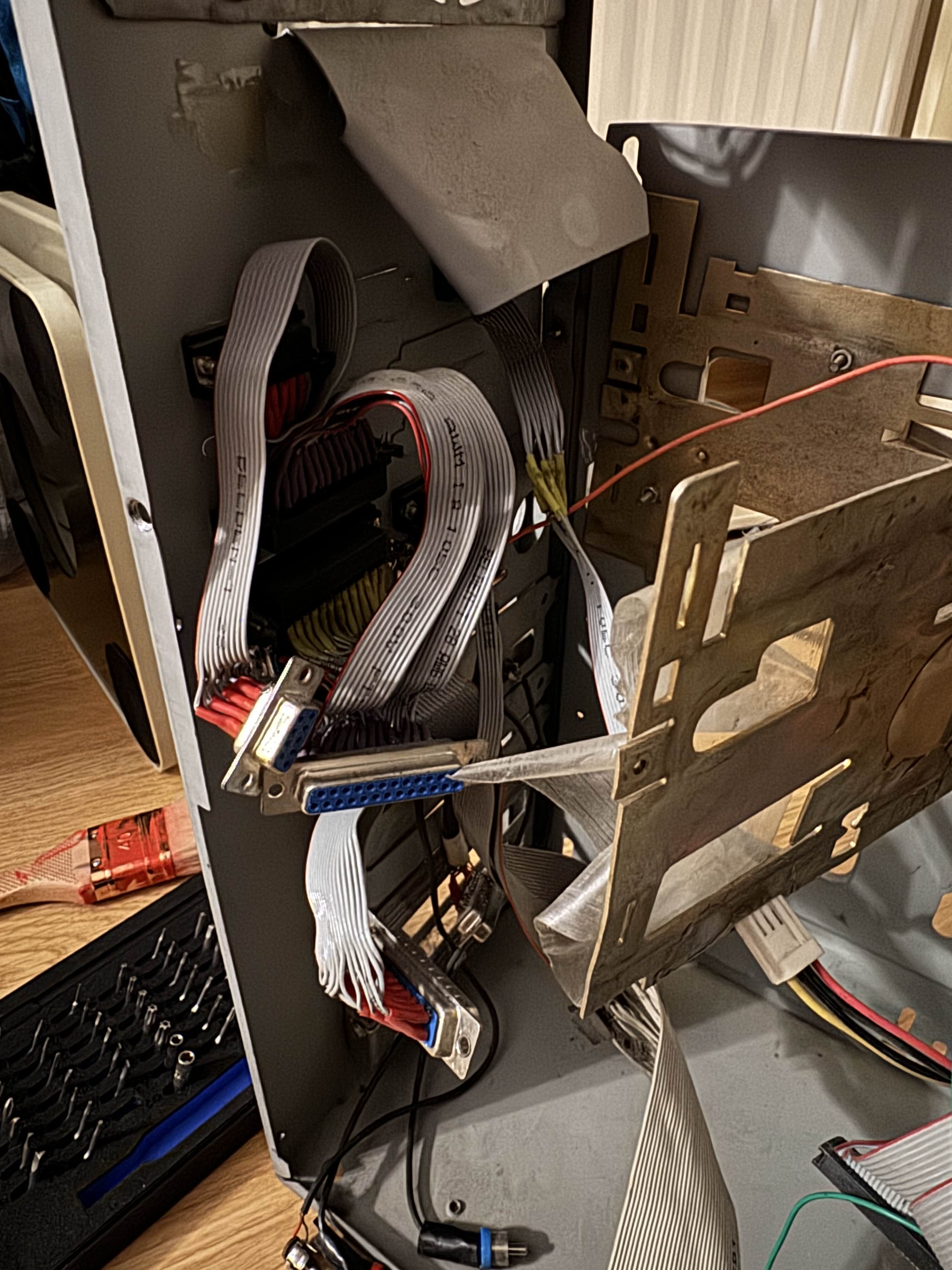
Custom I/O extension made with cable ribbons and connectors. Between these and the glue/tape combo a lot of creative work went into putting Amiga motherboard into this case.
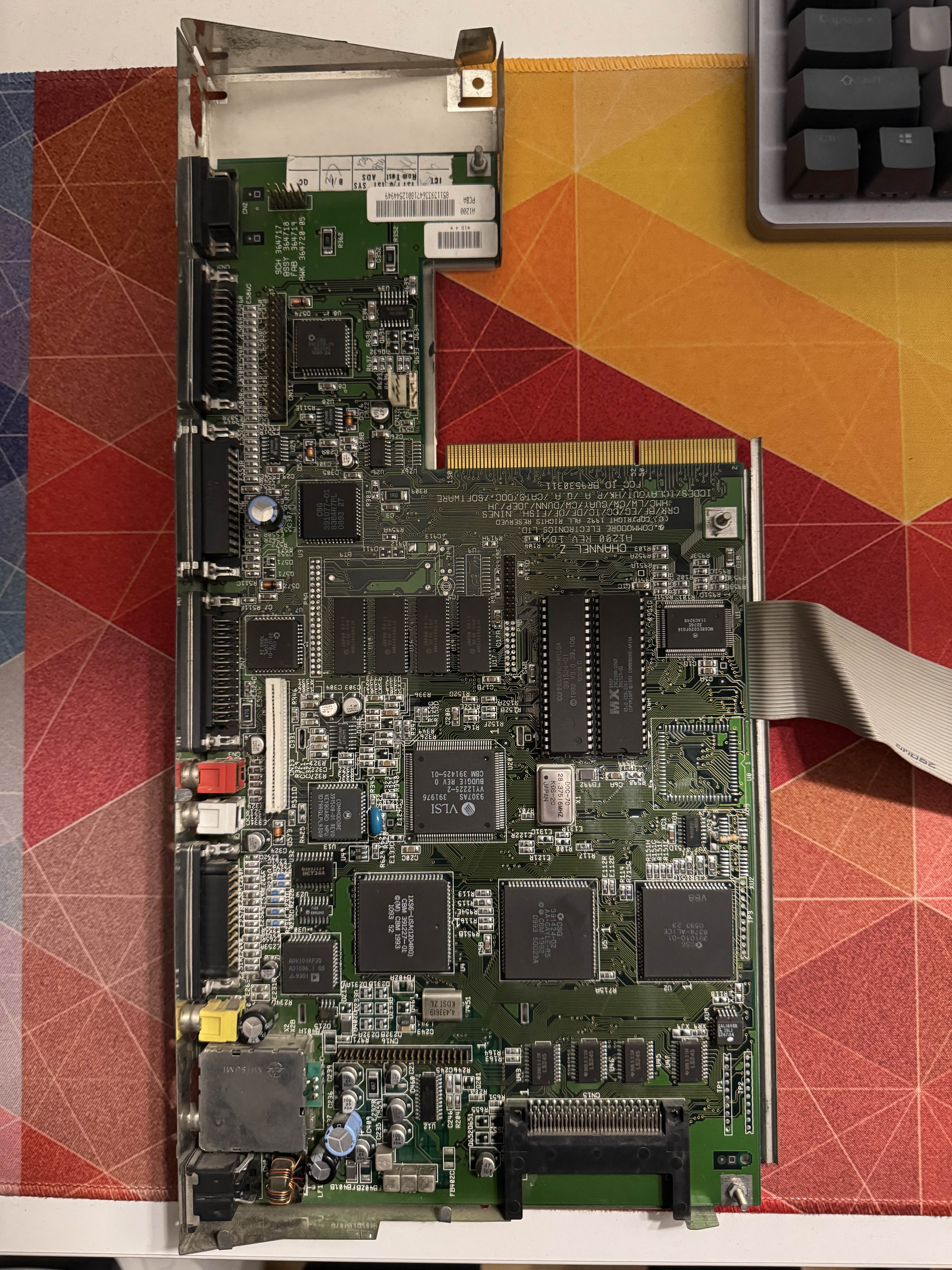
Extracted motherboard does not look too bad. None of the capacitors look like they leaked. There is a ribbon cable coming out of it - another custom modification.
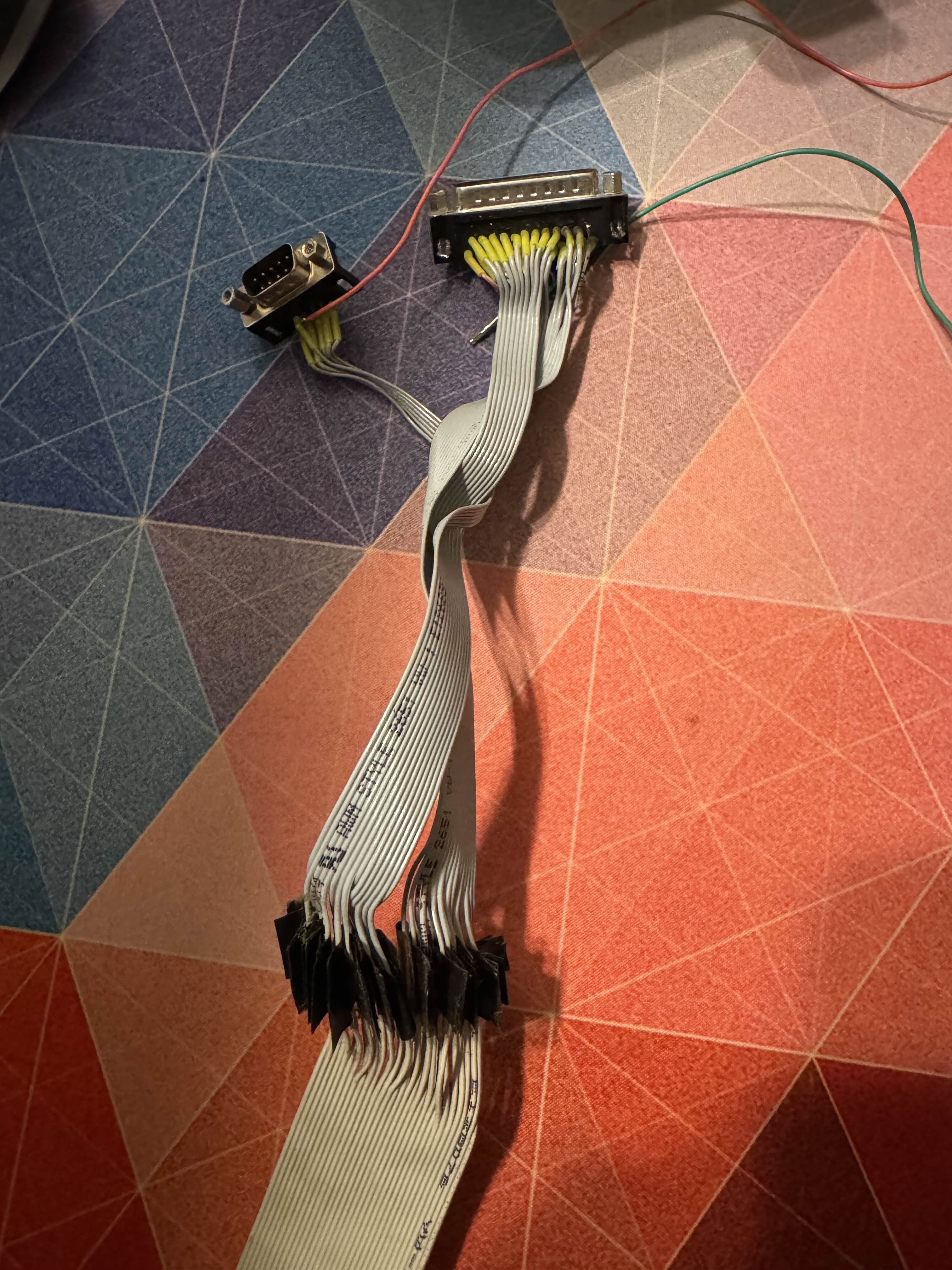
The other end of the cable ribbon with ports. These were screwed into the back of the case. The completely mangled keyboard from Part 1 used to be plugged in via these.
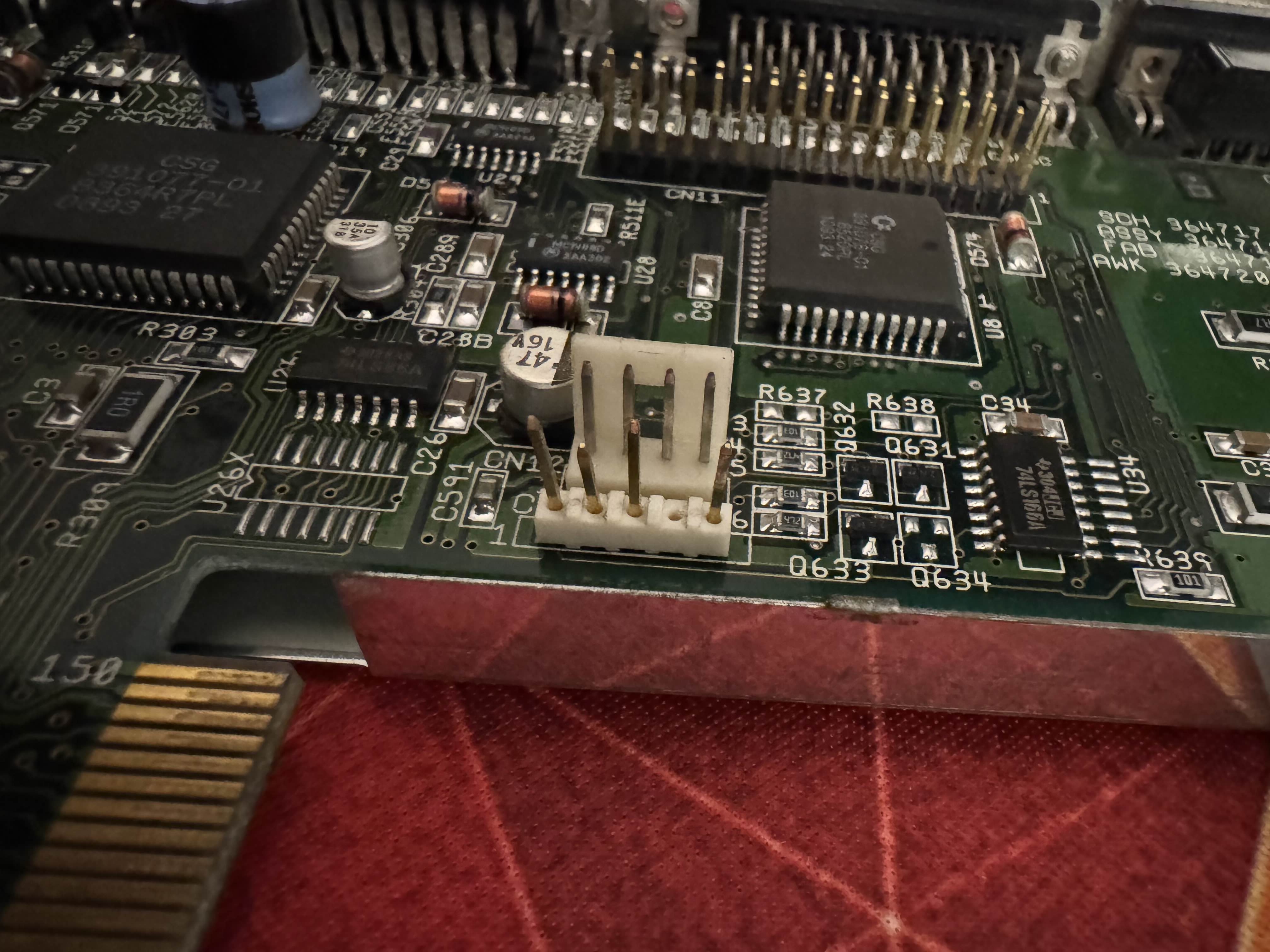
Upon closer inspection the status LED header is a bit bent, but nothing major. Should be able to bend it back into shape.
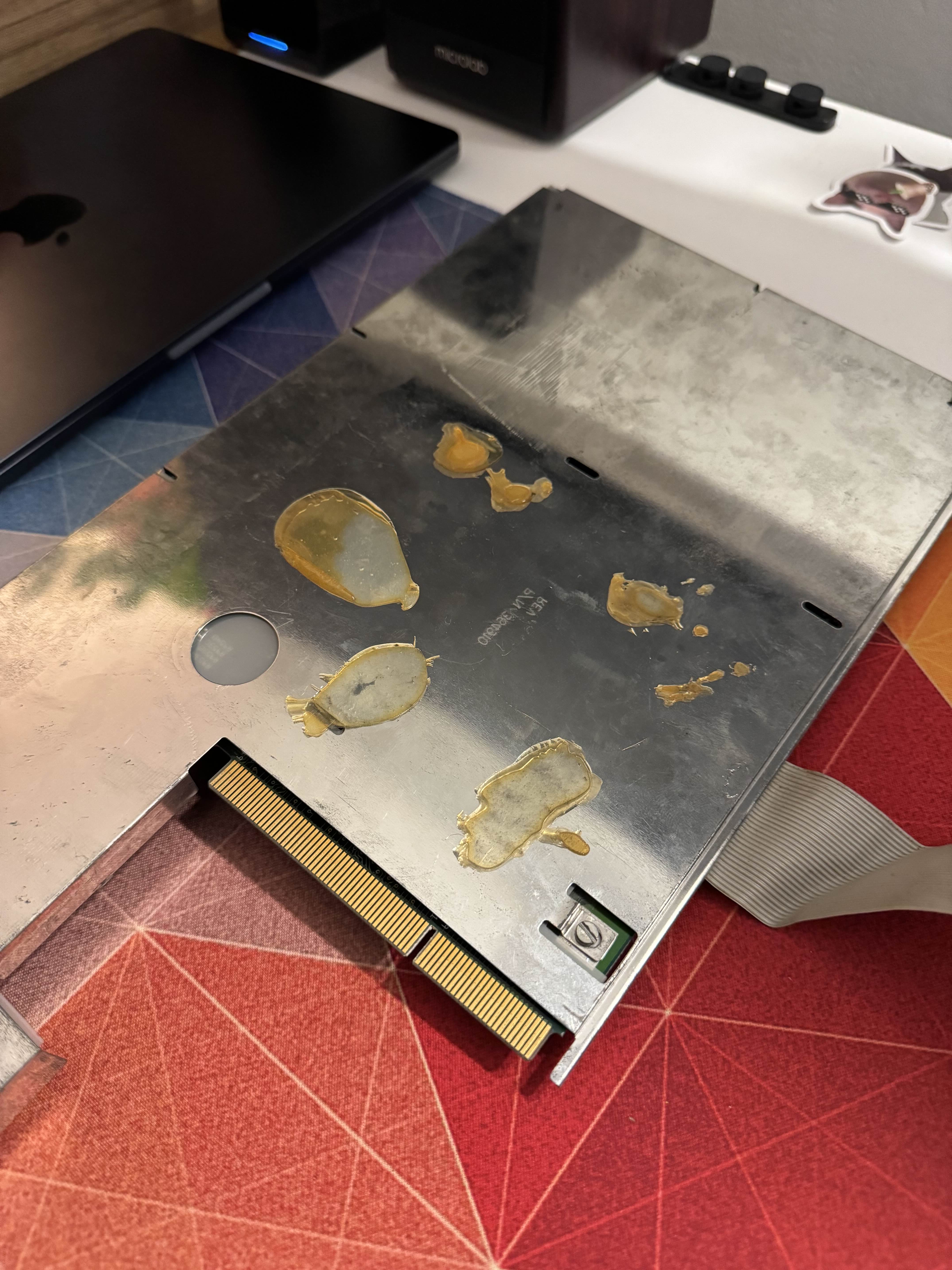
Here we can see the glue on the back of the RF shield that was used to keep it in the AT case. I have not taken the shield off, since it would take a lot of screws.
At this point the board was ready to be refurbished. Since my Amiga 600 was already waiting in line for Rime to work on it, I didn't want to put more load on him. Via PPA forums I have contacted Superbonio, who agreed to take a crack at this Amiga, and on the Commodore 1802 monitor as well! I have arranged a meeting.
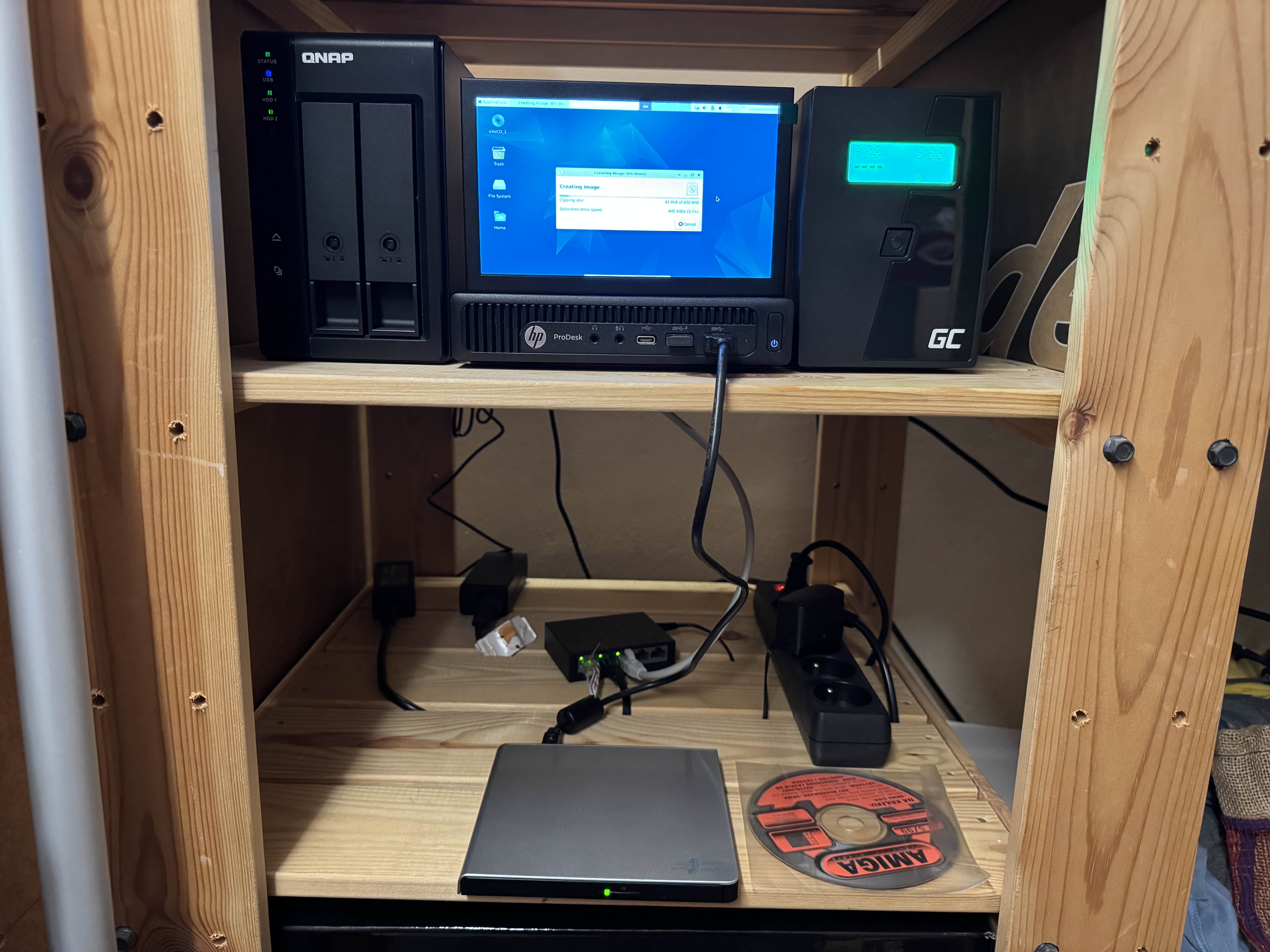
In the meantime I have ordered a USB DVD drive and a tiny LCD screen for my home server. With that I have used this setup to start ripping the stack of old CDs that I brought. If you want to see them check out Part 1. Some of these were really scratched and took days to read.
Superbonio sent me some photos of the board and monitor before and after, and agreed for me to use them here.
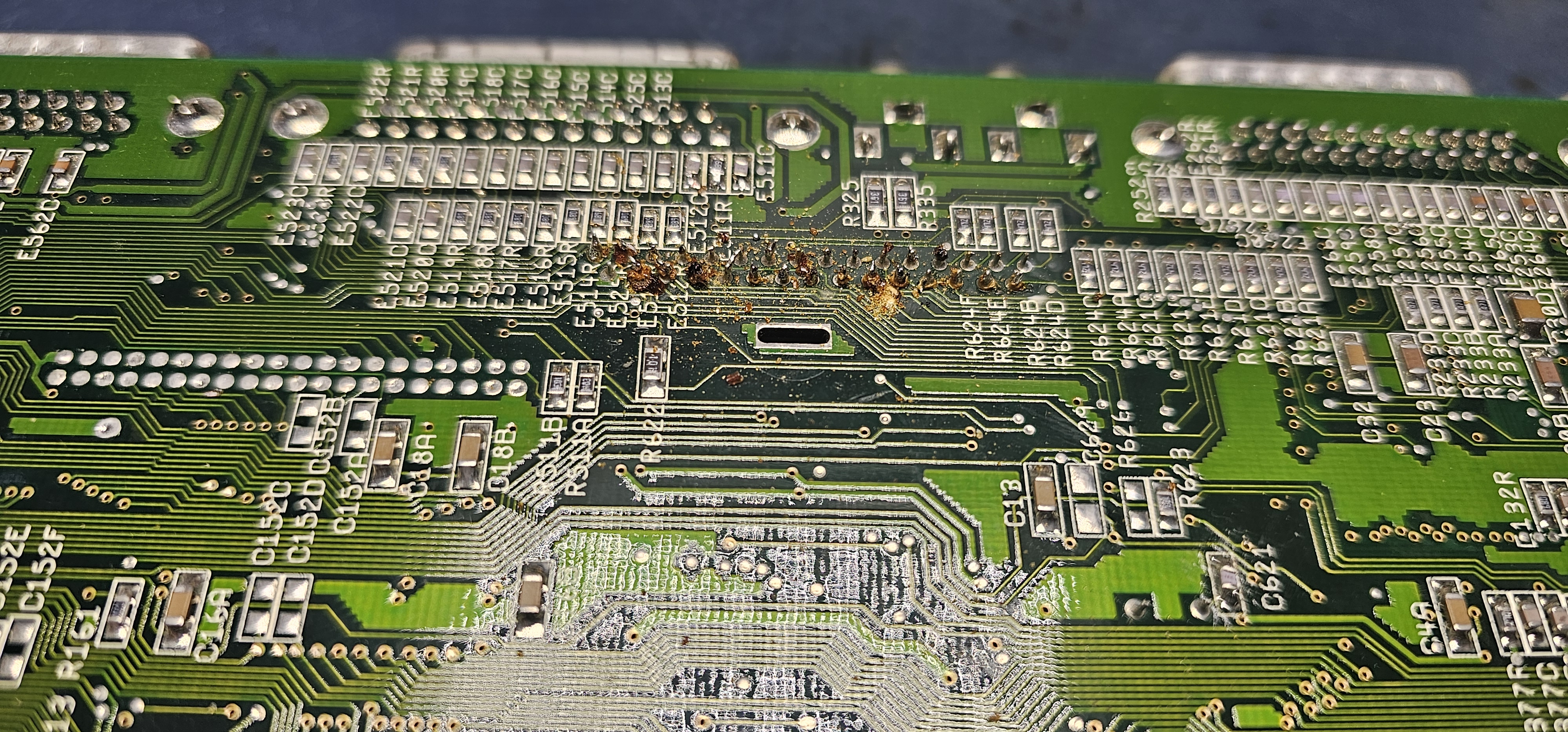
There was some damage on the back side od the motherboard. I don't know if this was rust, or some resin leftover from soldering. Either way it didn't look great.
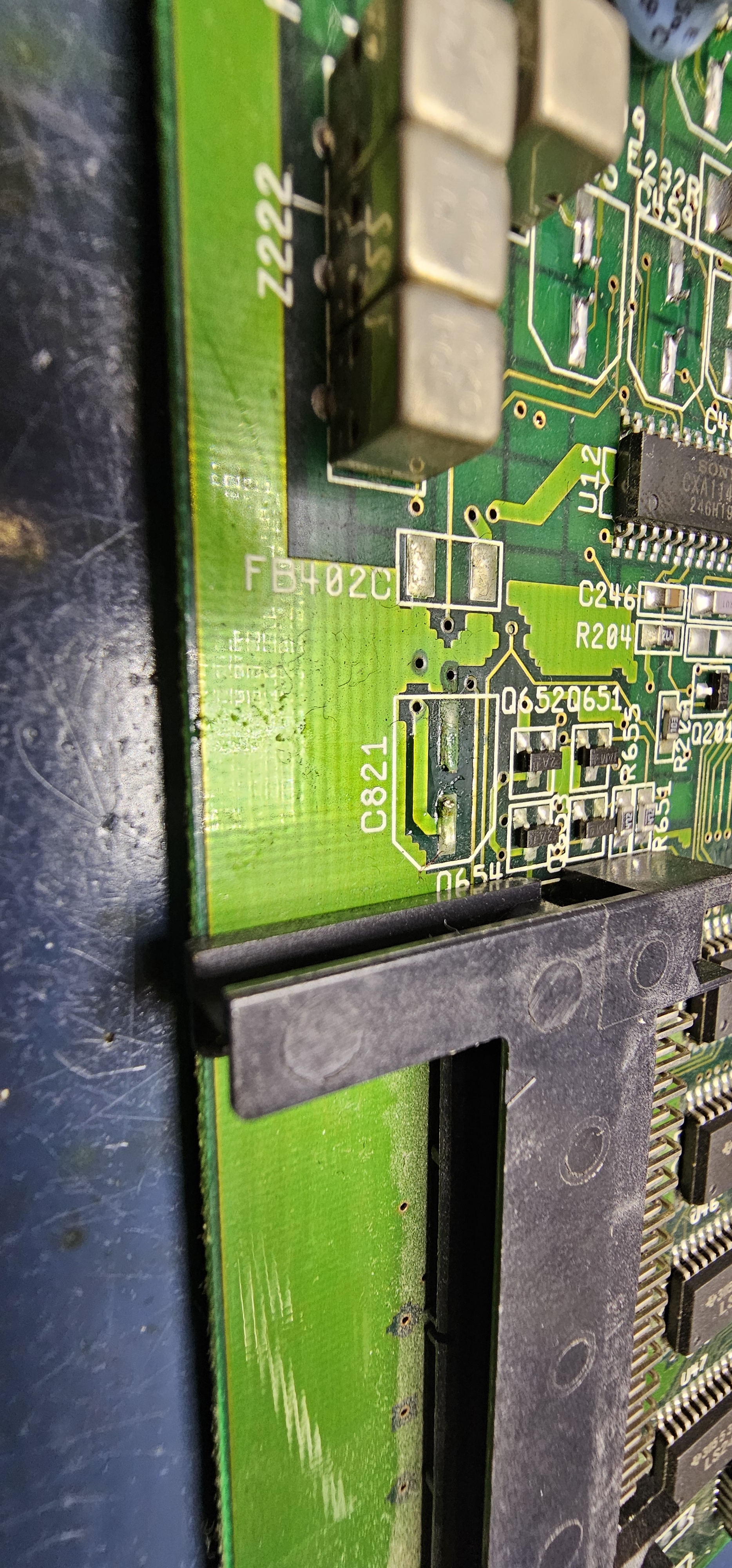
Here we can see some pads where capacitors used to be. The one in front has a bit of green corrosion.
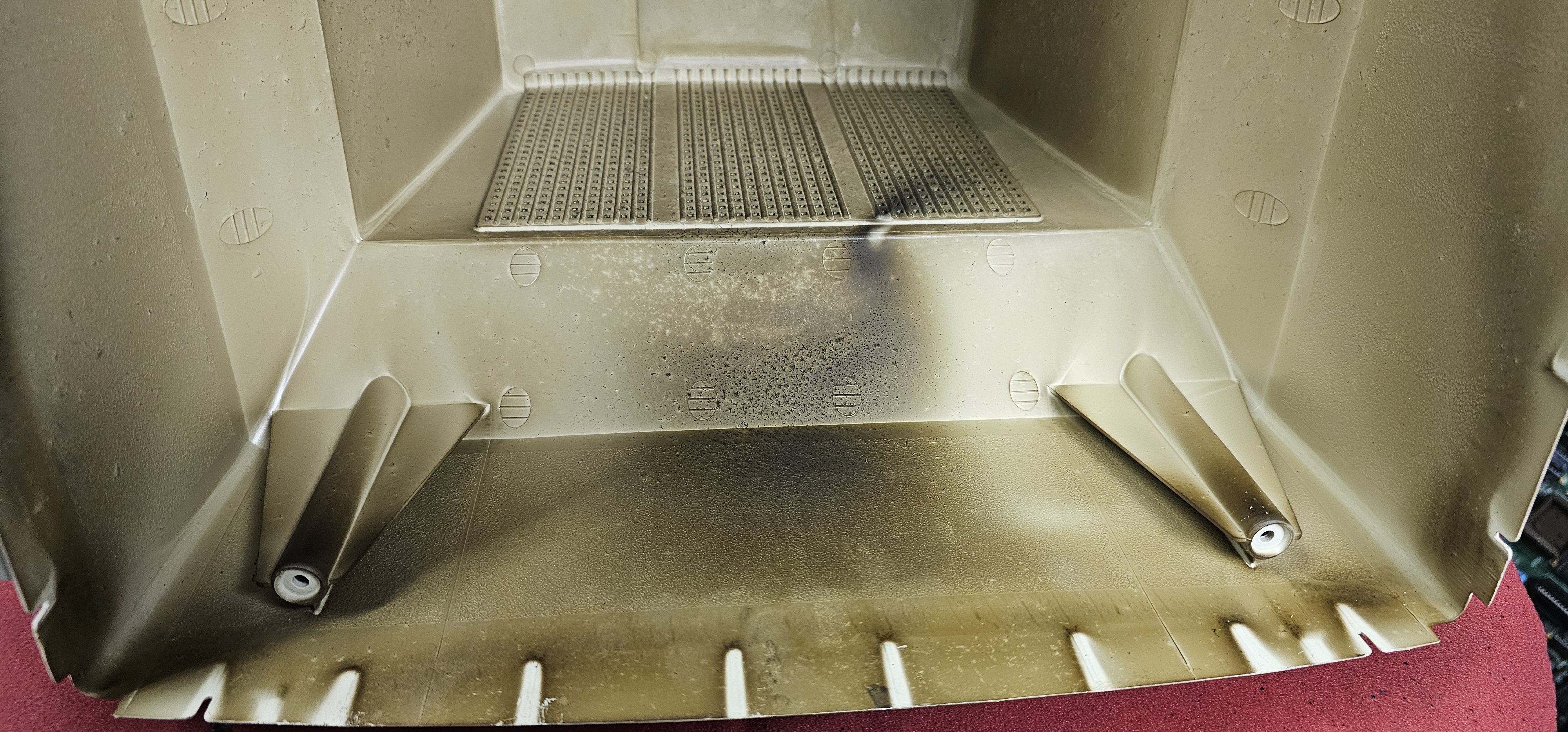
Monitor case inside was scorched after years of work with very hot components.
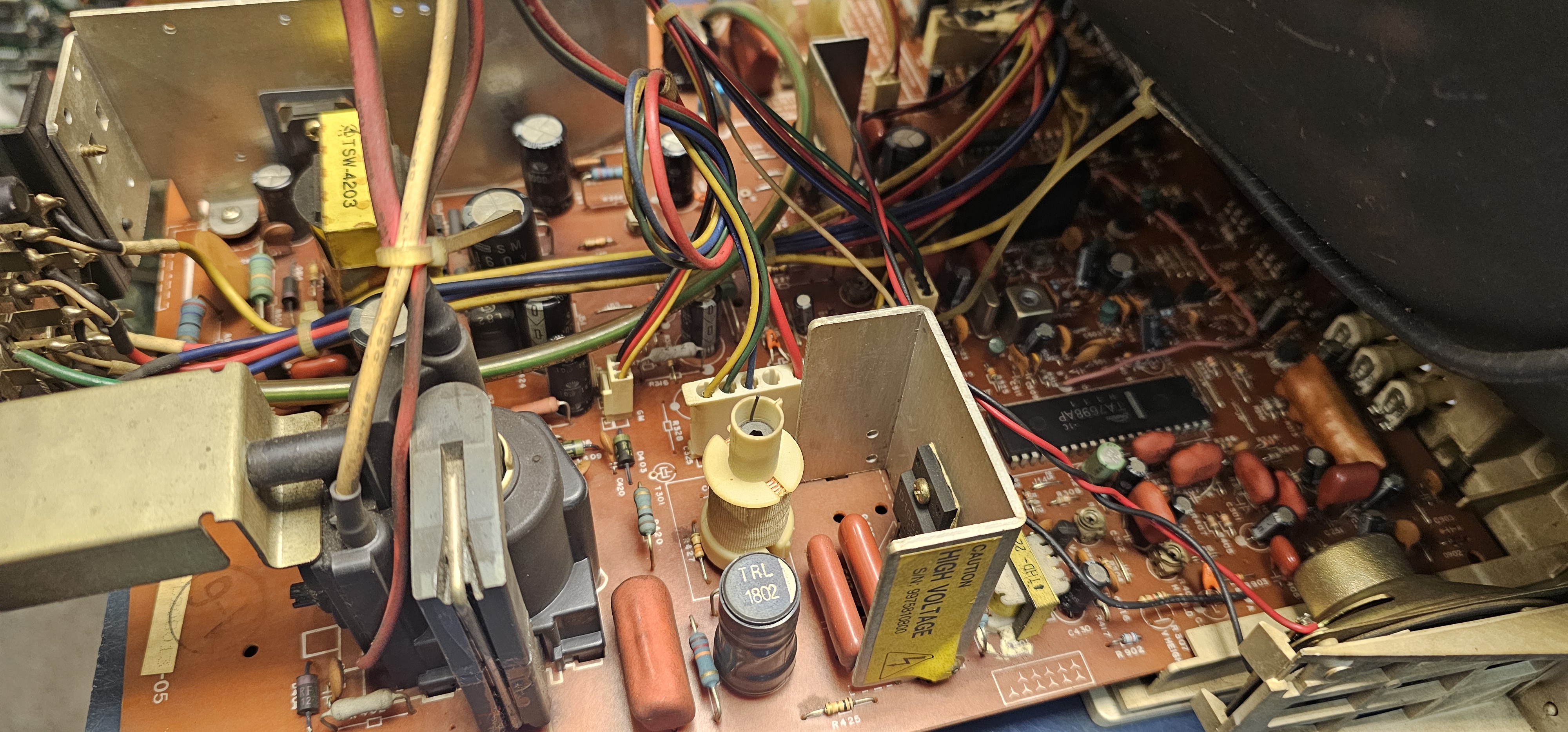
Monitor motherboard was a bit grimy as well. I have cleaned it as much as I could with a soft brush without dissassembly, which wasn't much.
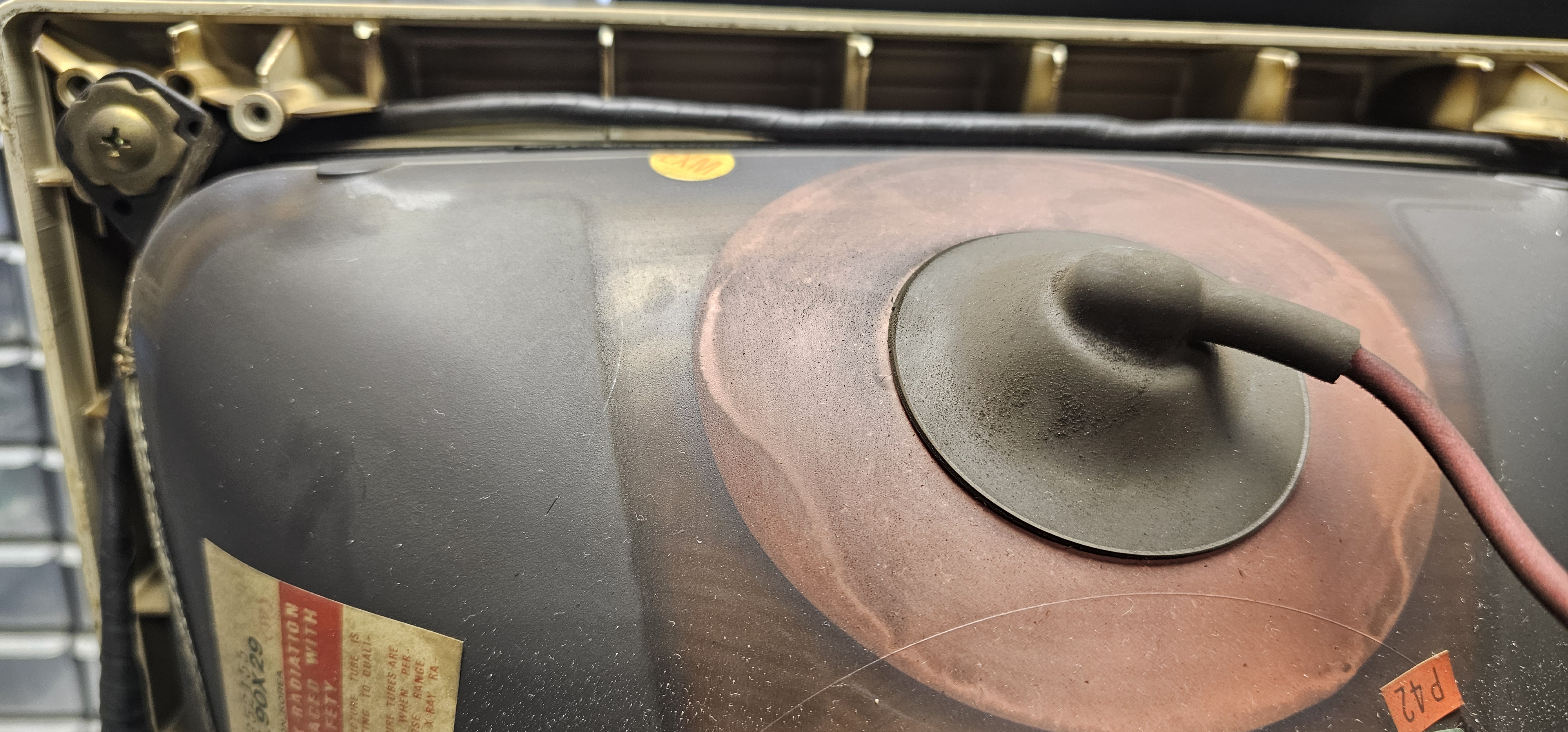
Back of the screen was also quite dirty.
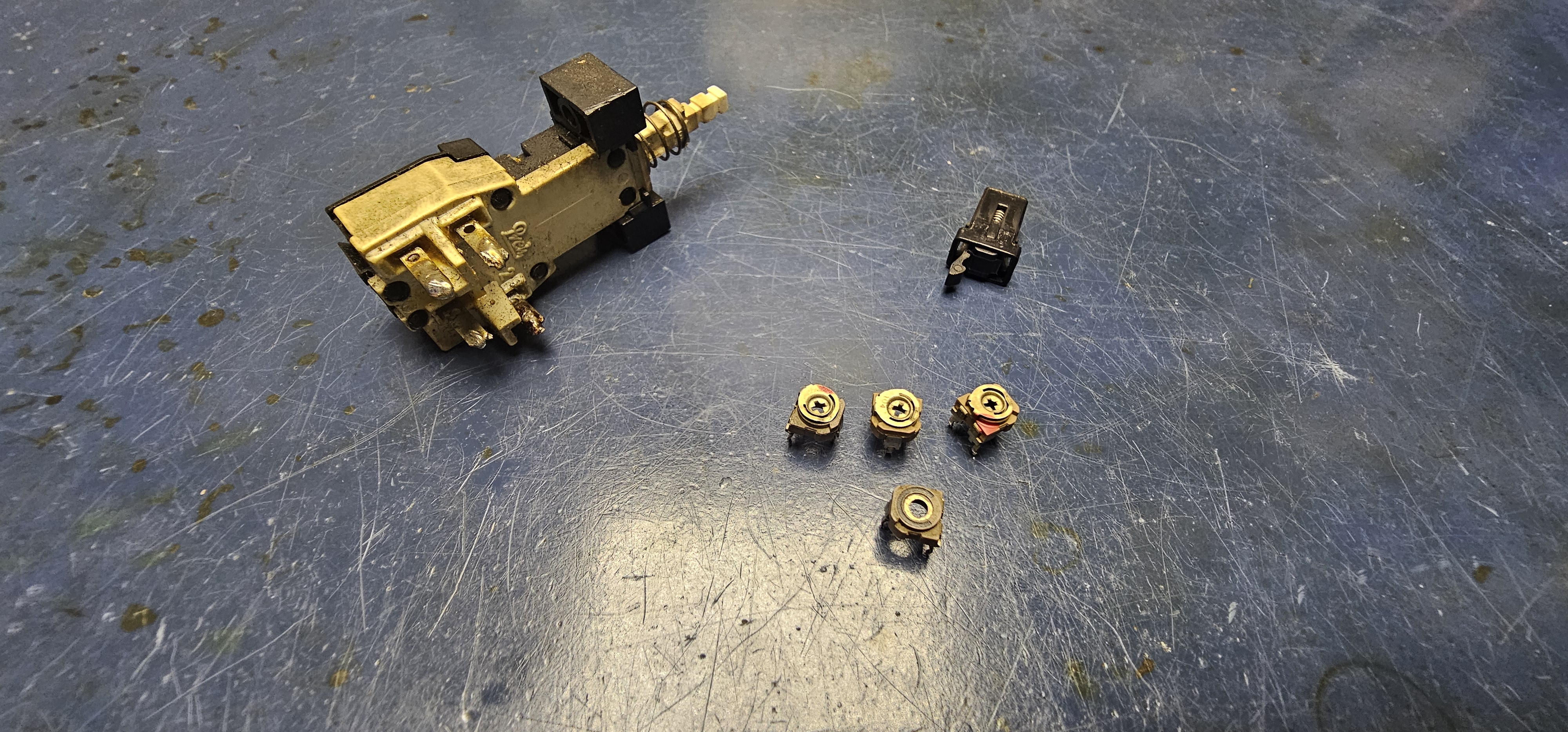
A few parts needed replacing. Some potentiometers, main power switch, and a front flap lock.
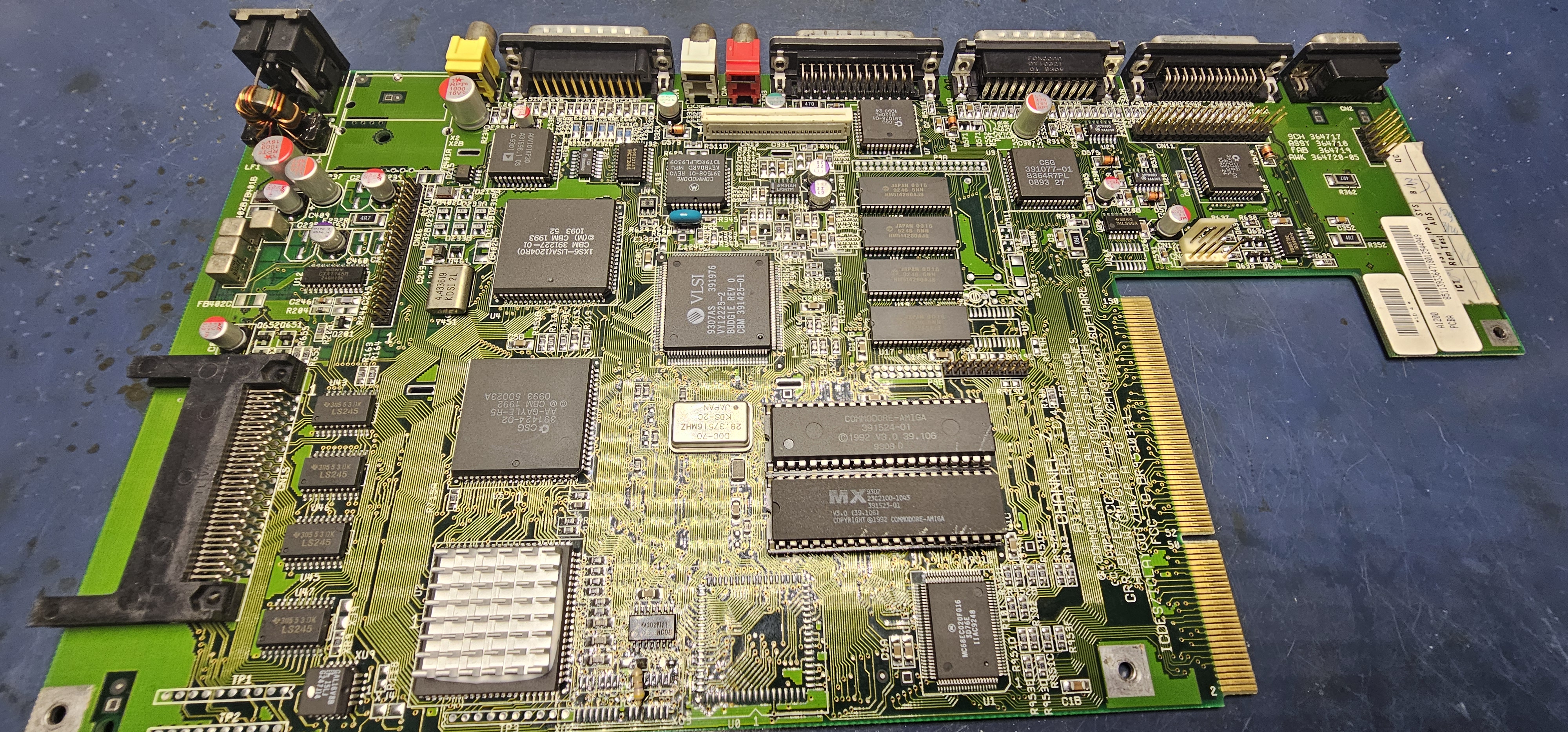
Board after all the work is sparkling clean! And with some new heatsink. RF modulator has been removed.
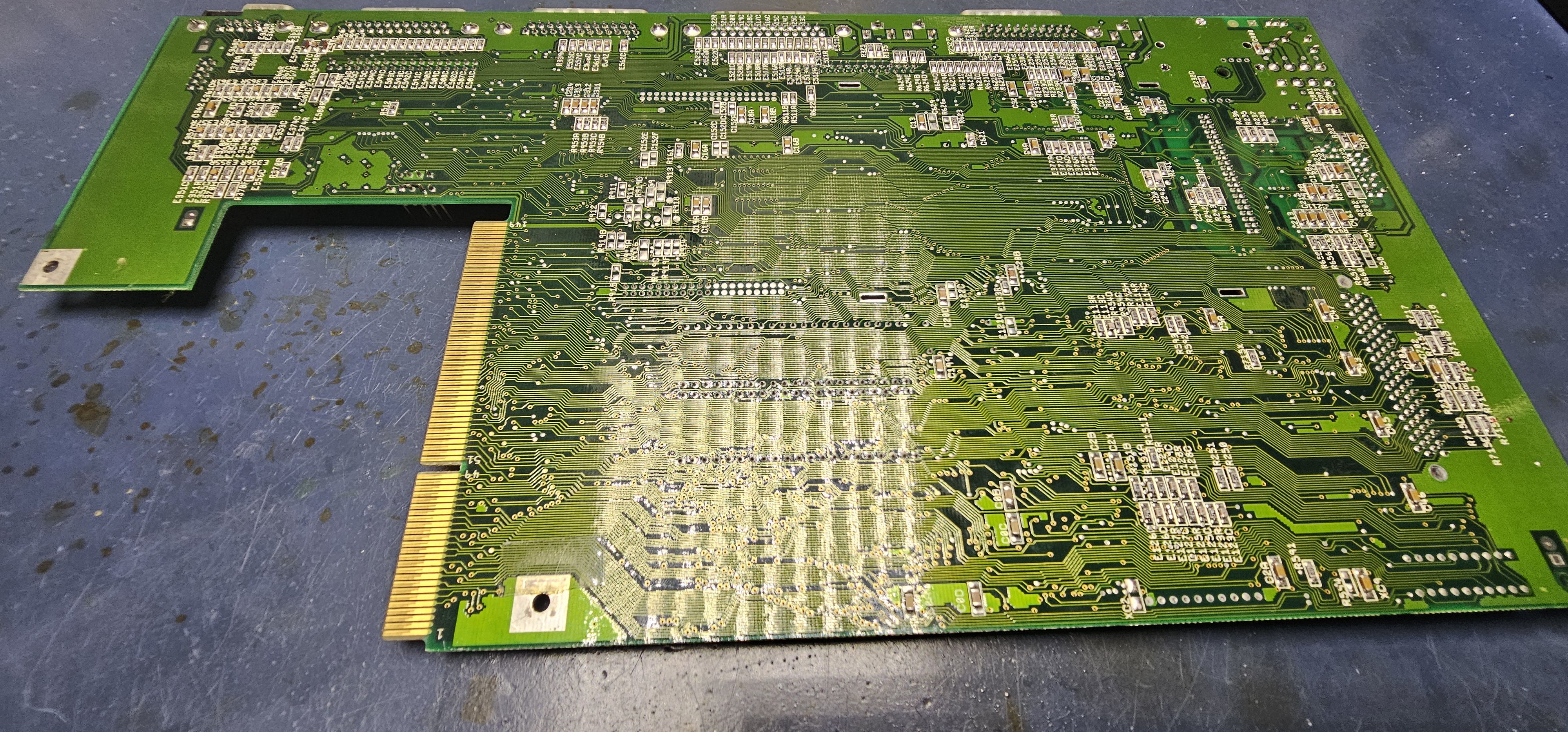
Back of the board is sparkly as well! No sign of the brown stuff from before, and no damage from applied mods.
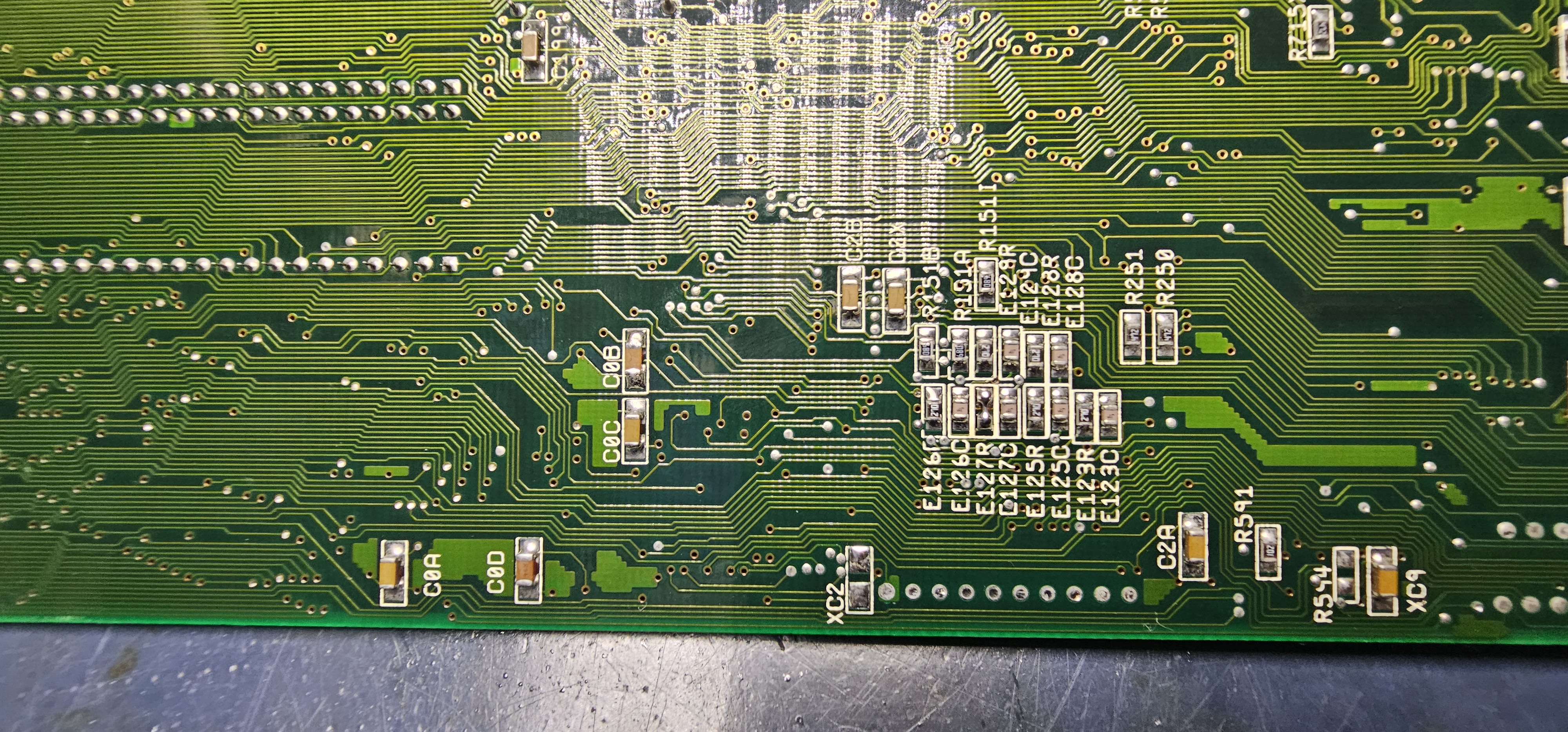
Motherboard back close up. I think this might be where parts were removed for timing fix?
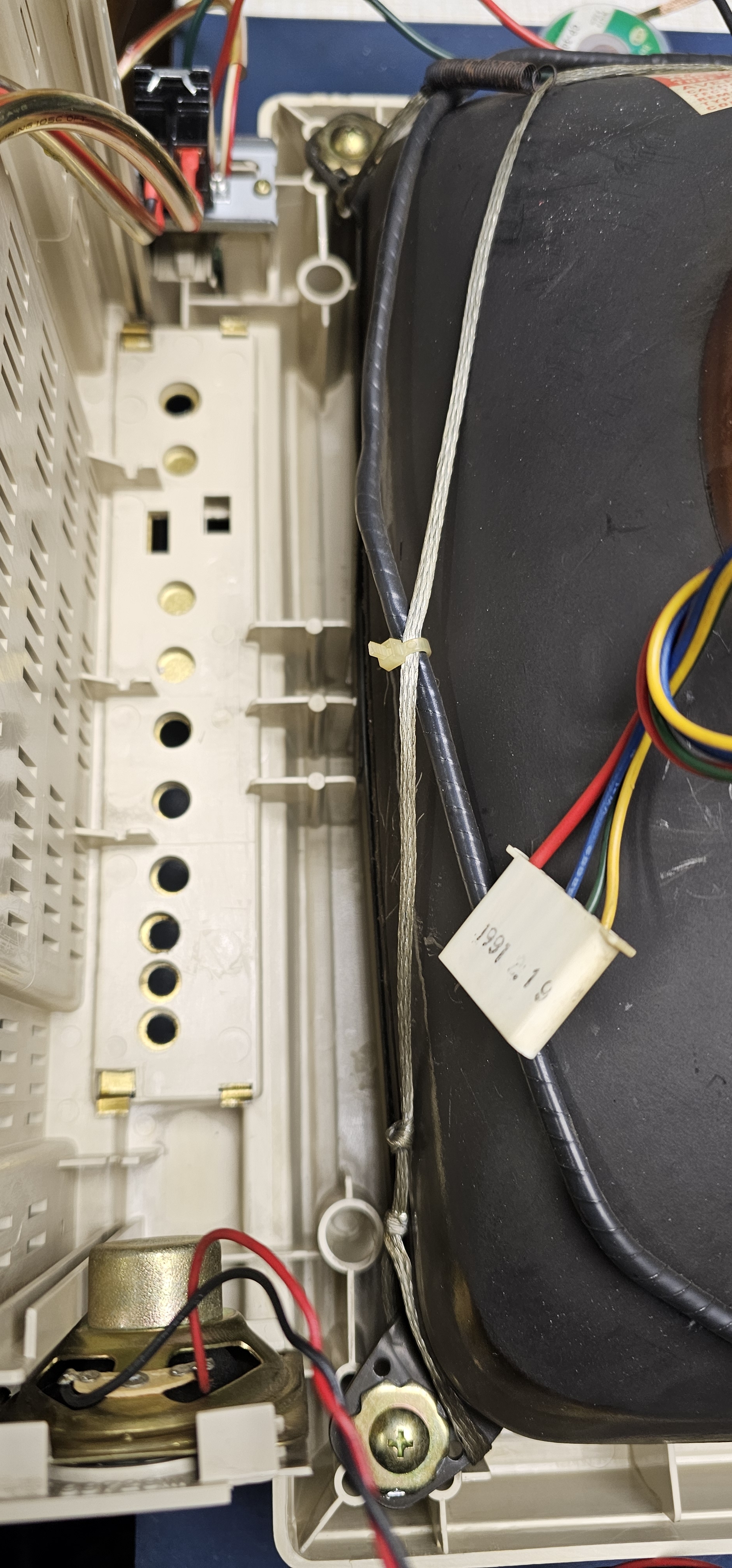
Inside of the monitor after all the work is beautiful and clean.
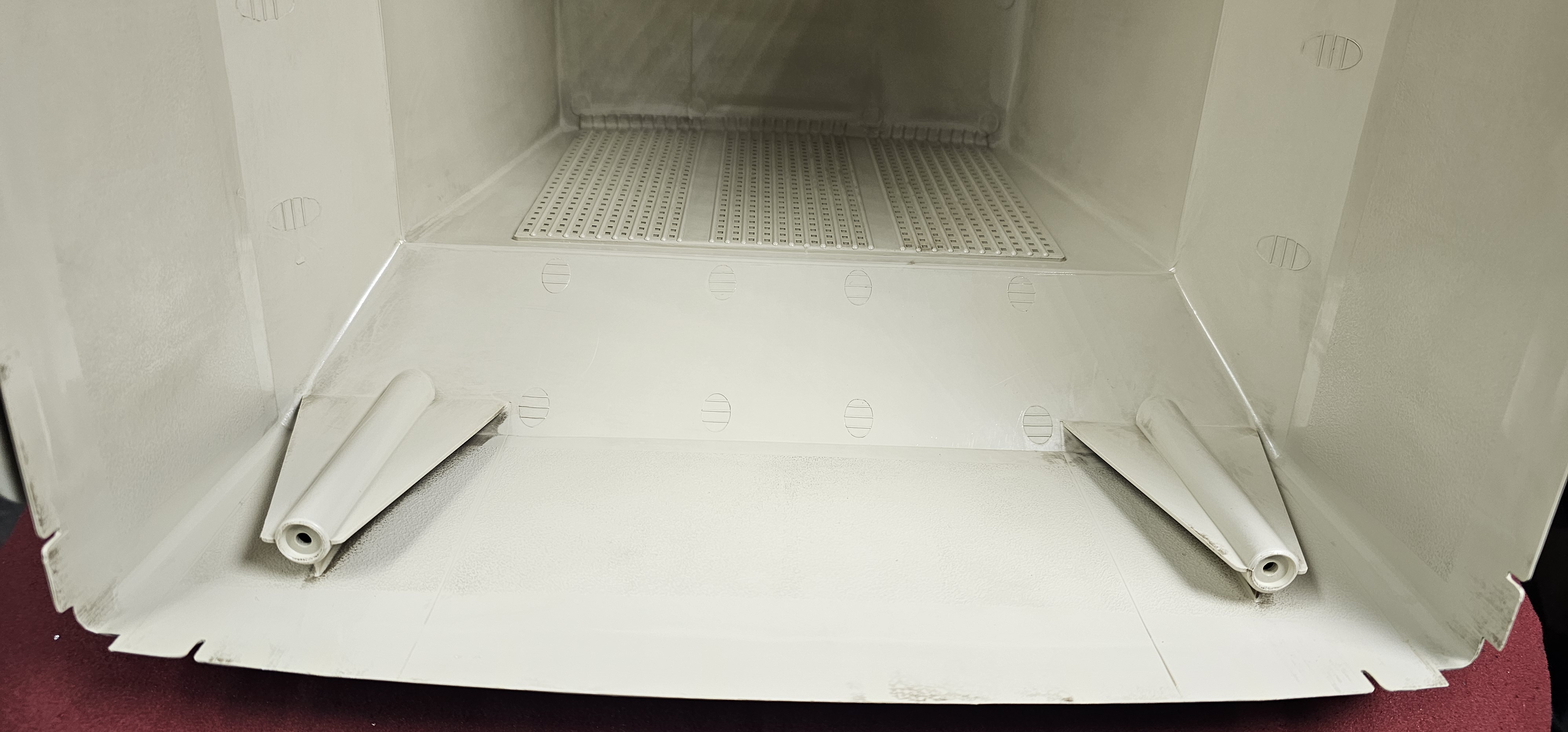
Monitor case after cleaning is spotless, no more scorch marks.
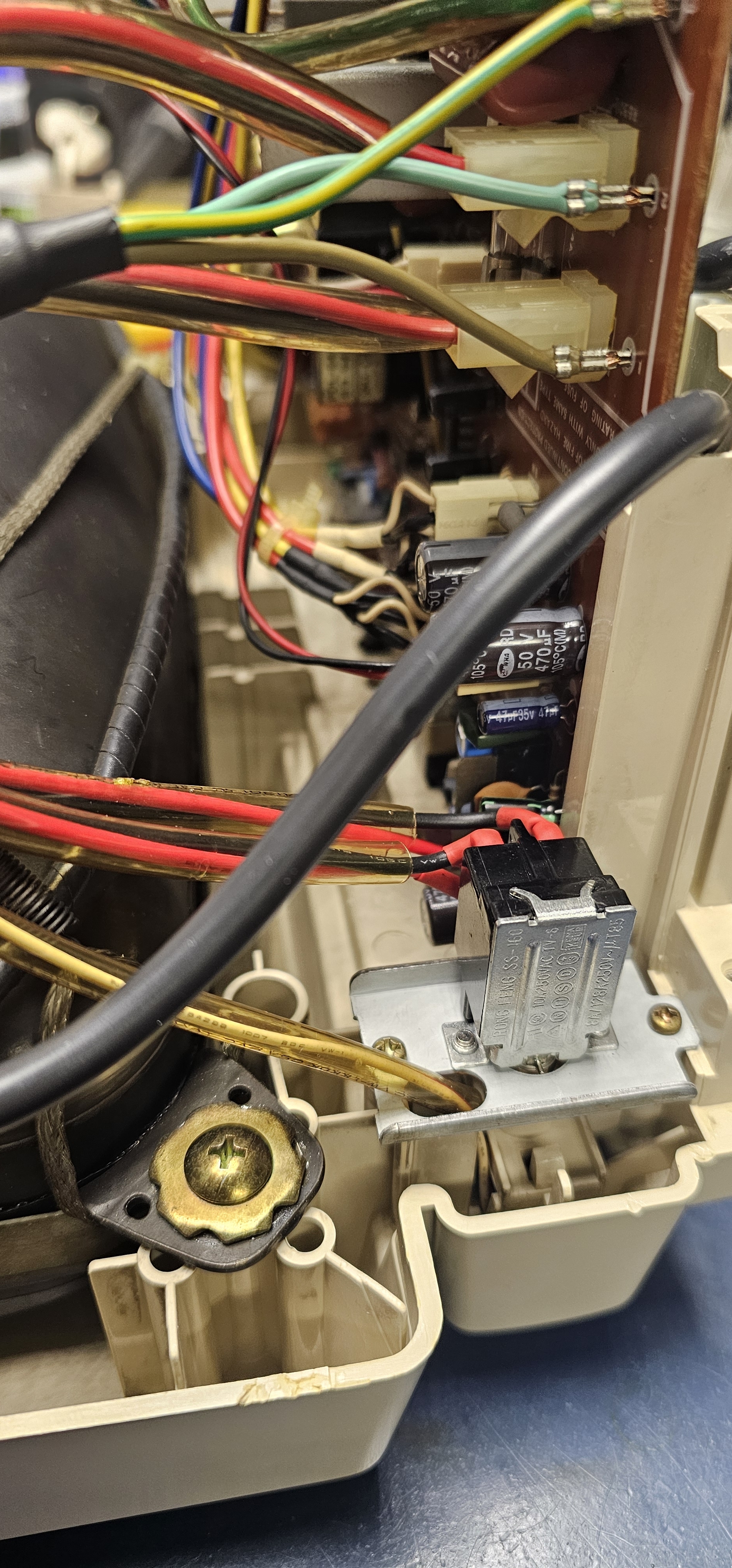
Newly installed power switch. All the elements around also look very clean.
While Superbonio was working, I have ordered some new parts for the computer. If you remember from Part 1, the case and keyboard were a complete loss, with only the mangled top half taped to a reworked keyboard remaining. I have order a new case with some accessories from ArchiTech. New keyboard and a TerribleFire 1260 128MB card came from amigastore.eu.
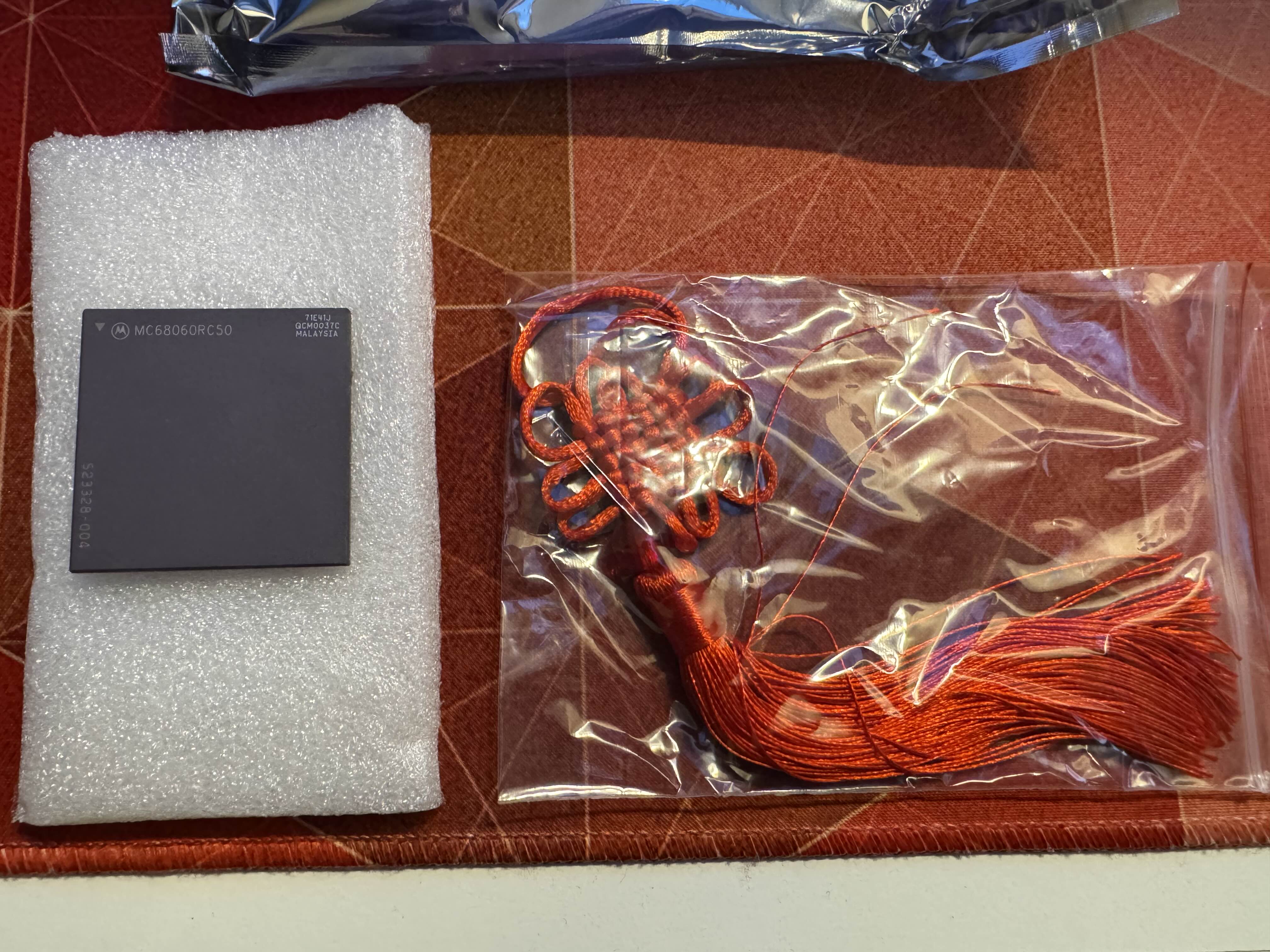
I have also ordered an MC68060RC50 Rev.6 CPU from China via eBay. It arrived with a chineese good luck charm. Nice! These CPUs were discontinued over 10 years ago, and due to surge in popularity are often faked, so luck is certainly needed.
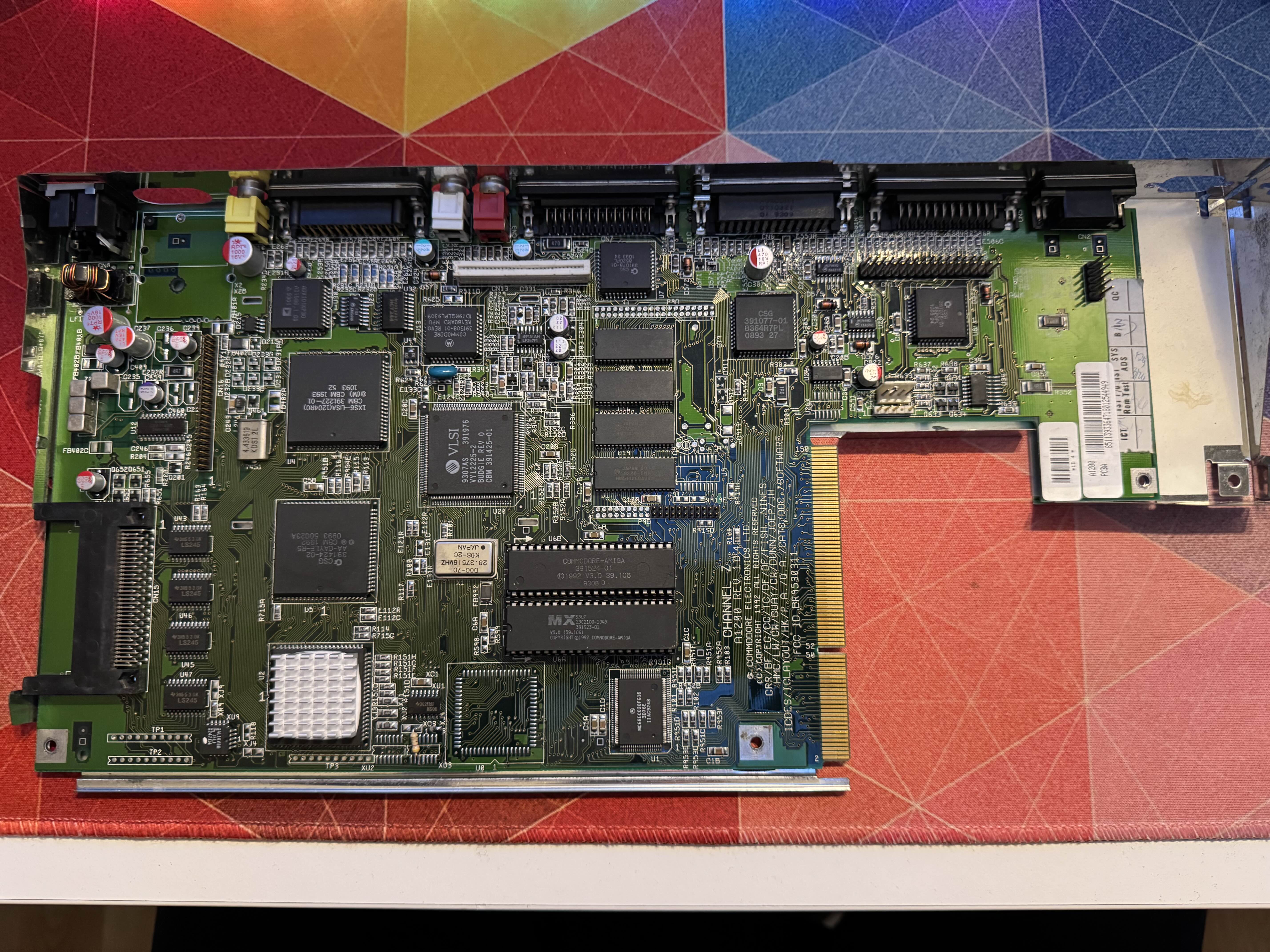
Motherboard and monitor came back home, here it's on my desk with it's RF shield on. New capacitors are colorful.
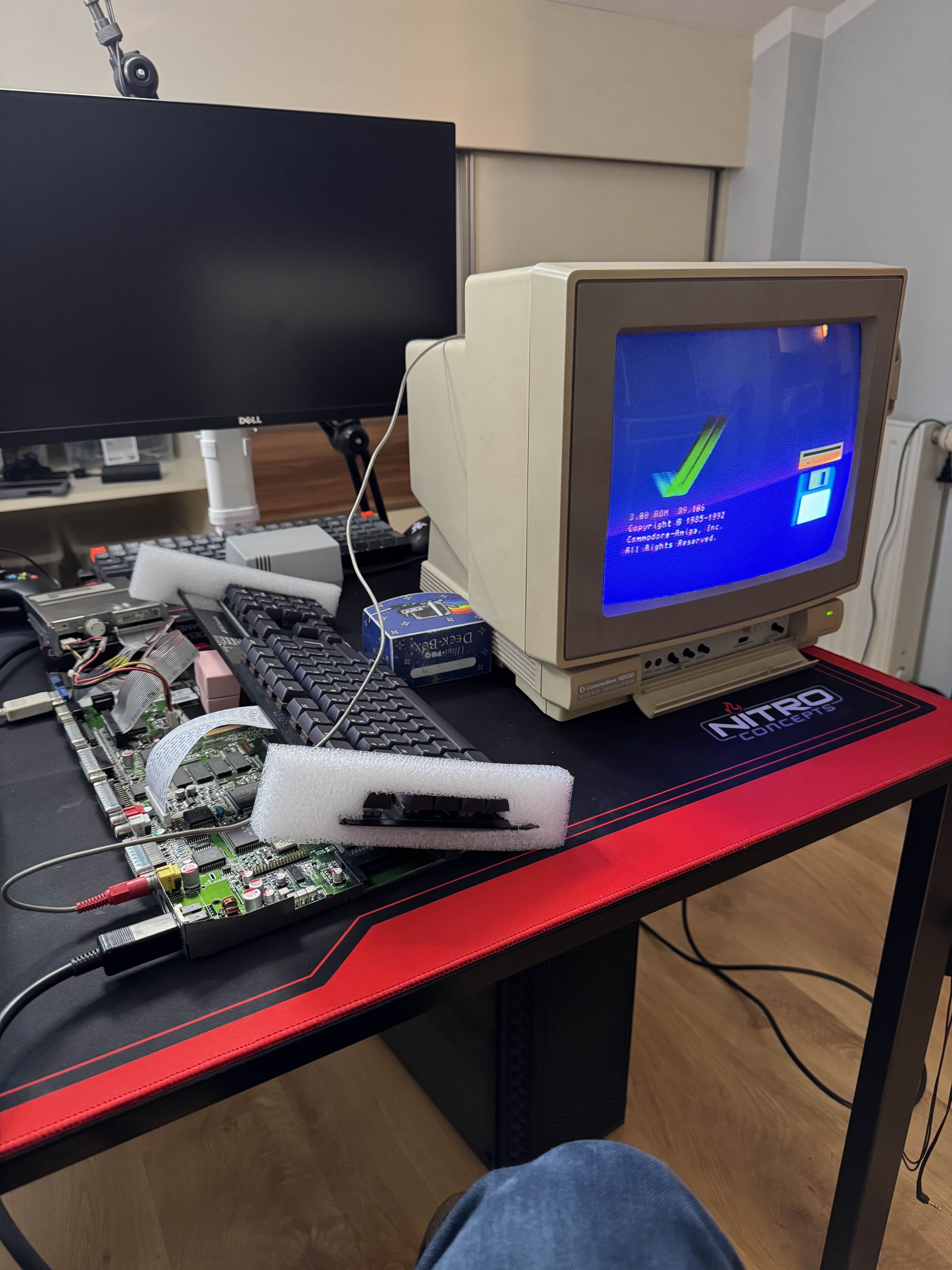
It was time to test the computer! Order from ArchiTech with the case was super delayed, so I had to pile stuff up without it. Everything worked like a charm! I was also able to boot Workbench 3.1 from FDD.
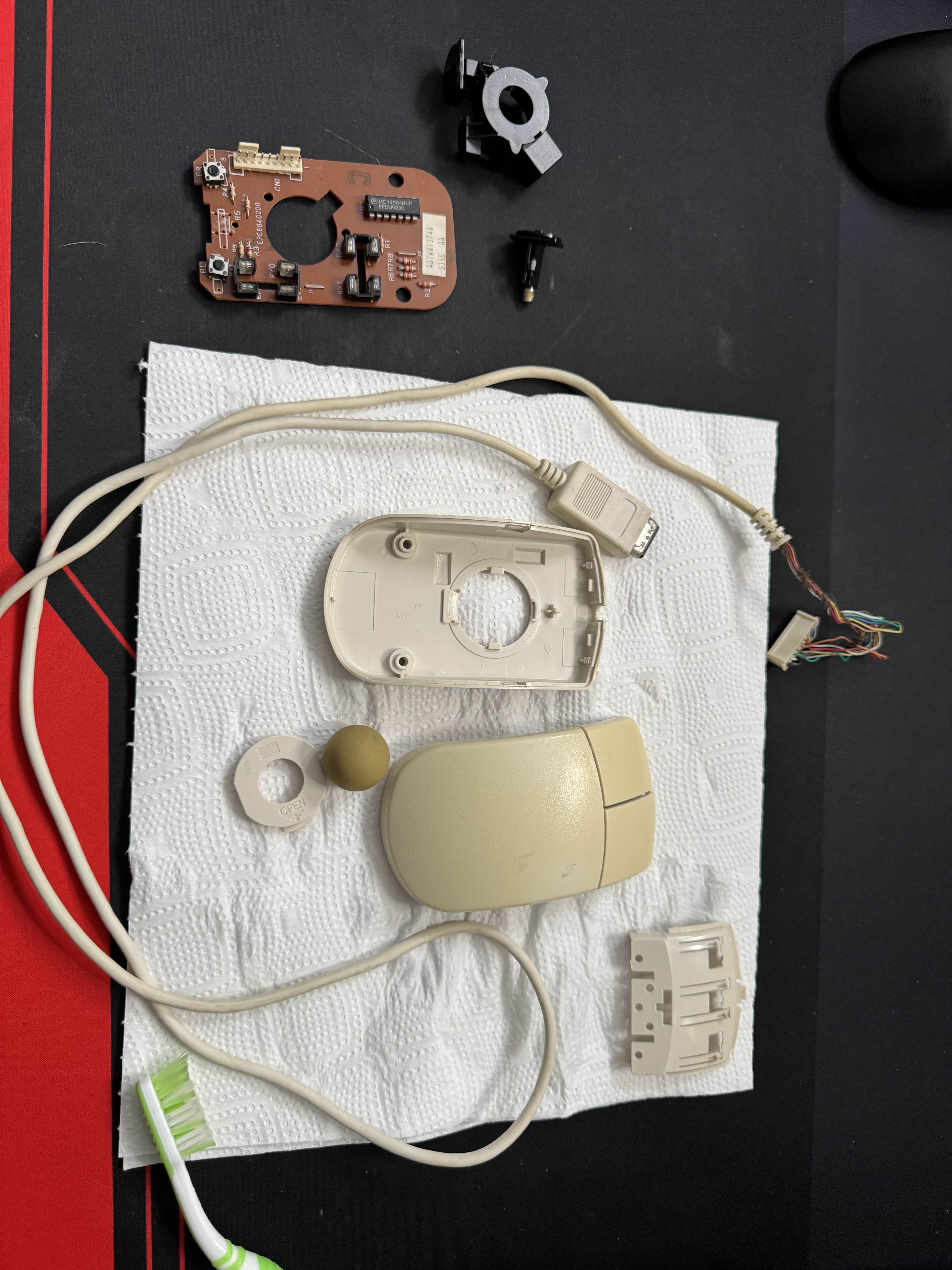
Initial test showed that the old Commodore mouse was in desperate need for maintenance. I took it apart, cleaned rollers, ball, and case. Afterwards it started working almost as good as a modern optical mouse!
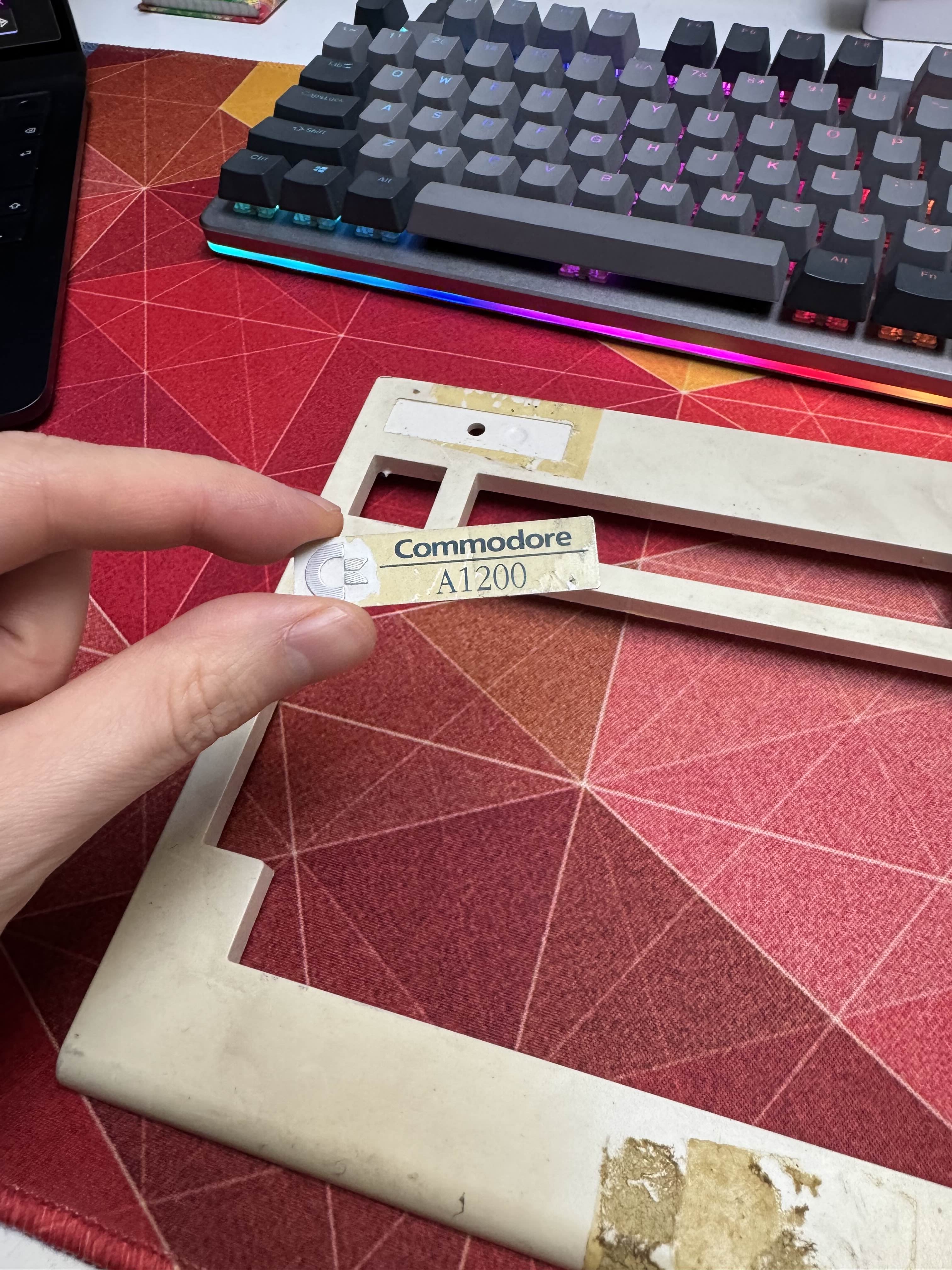
While the old top case was no good, it still had the original Commodore Amiga aluminum badge. With some heat and a piece of string it came of cleanly. I gave it a scrub afterwards.
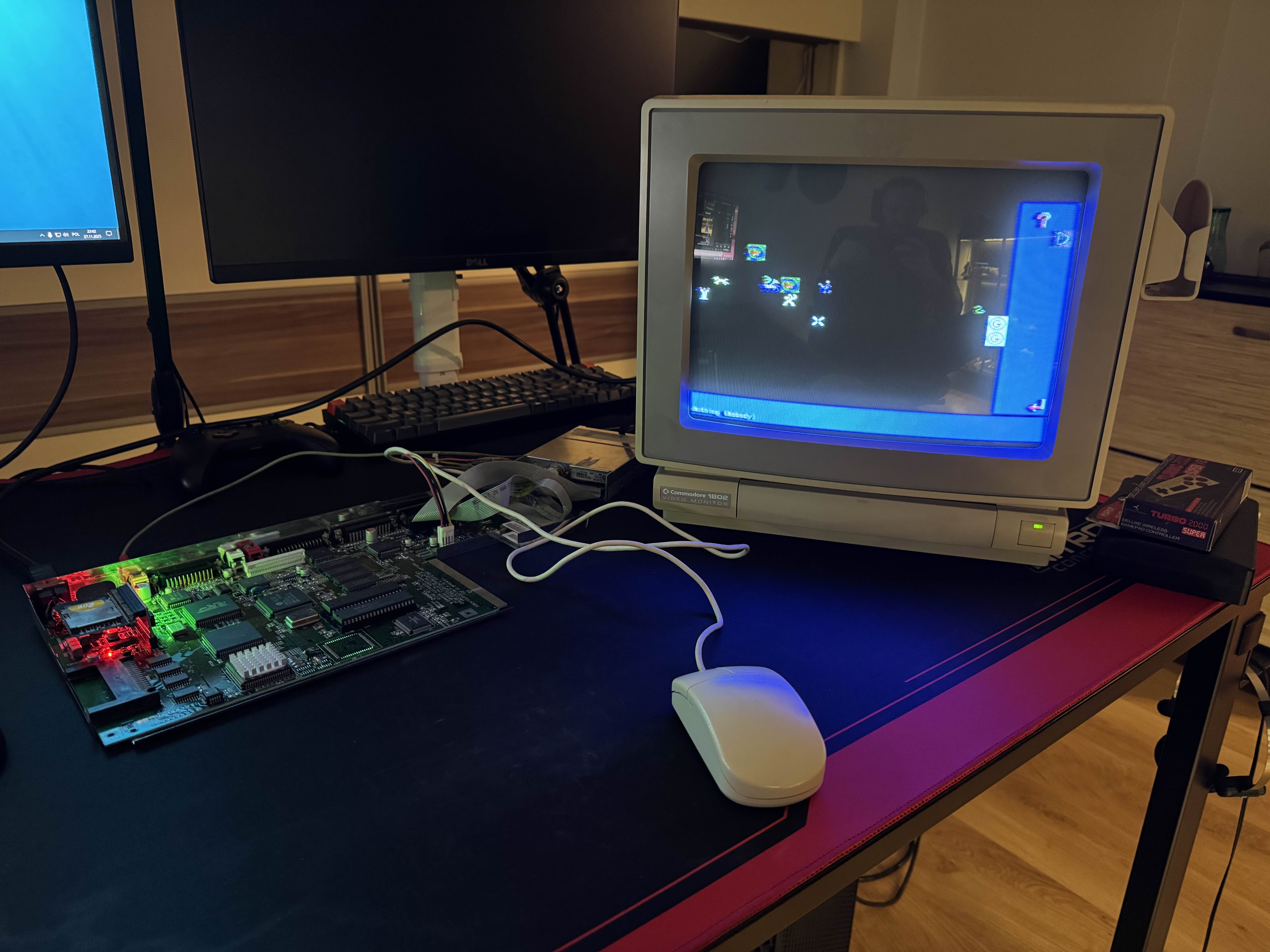
I planned for this Amiga to have a CF card as a hard drive. Unfortunatelly the adapter is part of the same order as case, which is not here. But I already had SD adapter and card intended for Amiga 600, so I could use it. The OS on it booted without issues, and I could test a game I put there. On screen we can see an Amiga adaptation of Chaos Battle of Wizards version 2.3B.
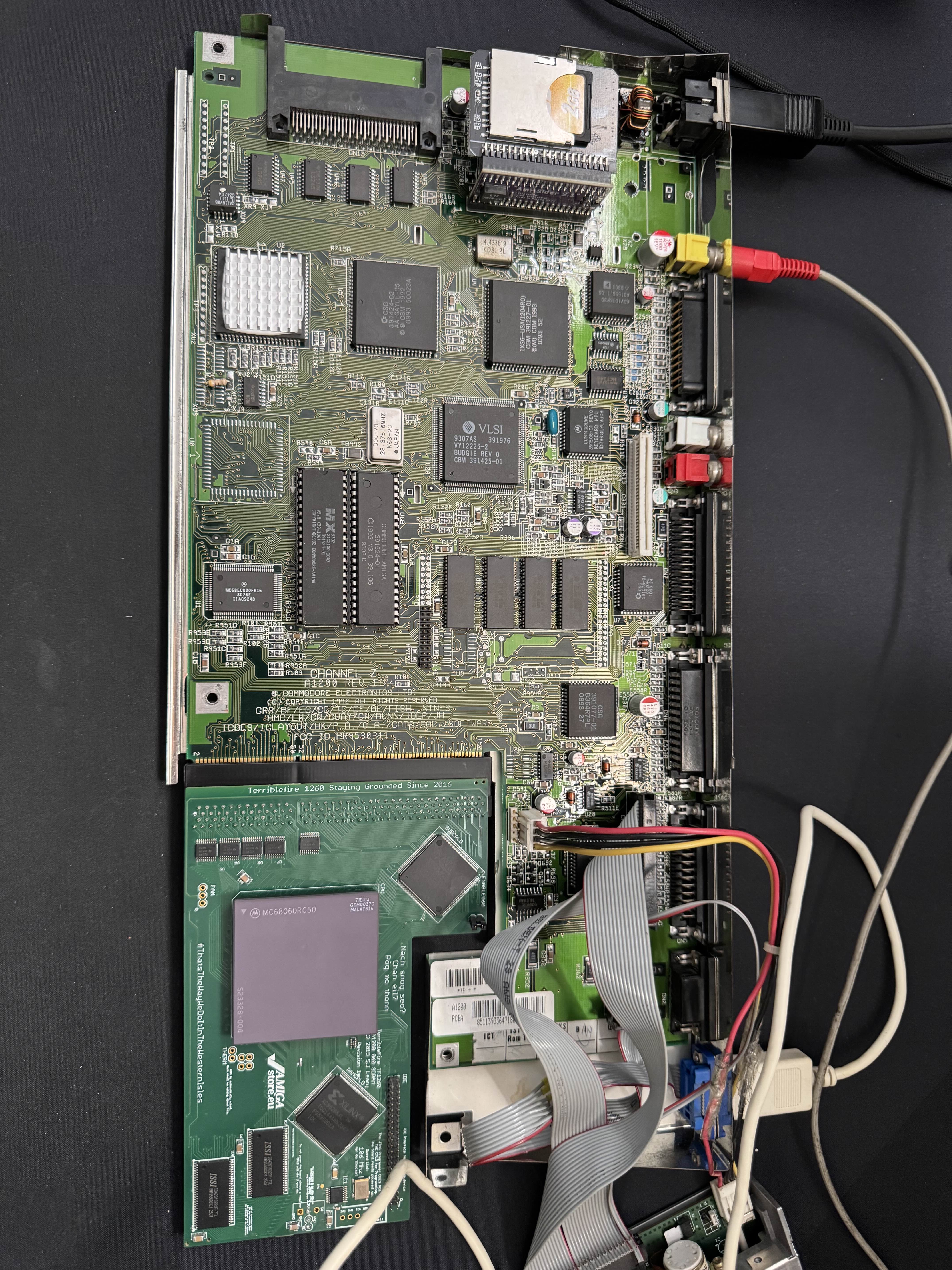
It was time to test the TF1260 card and the CPU. At first the computer didn't want to boot with the card in, and I didn't know why. After some internet searches and card wiggling I was able to get it to work, just had to back it up a couple milimeters instead of pushing it in all the way.
One more modification was needed though. Motherboard still had the original Kickstart 3.0 on it, which would prevent the accelerator card fast RAM from showing up in system. Card came with new AmigaOS 3.2.3 ROMs, which will be installed shortly.
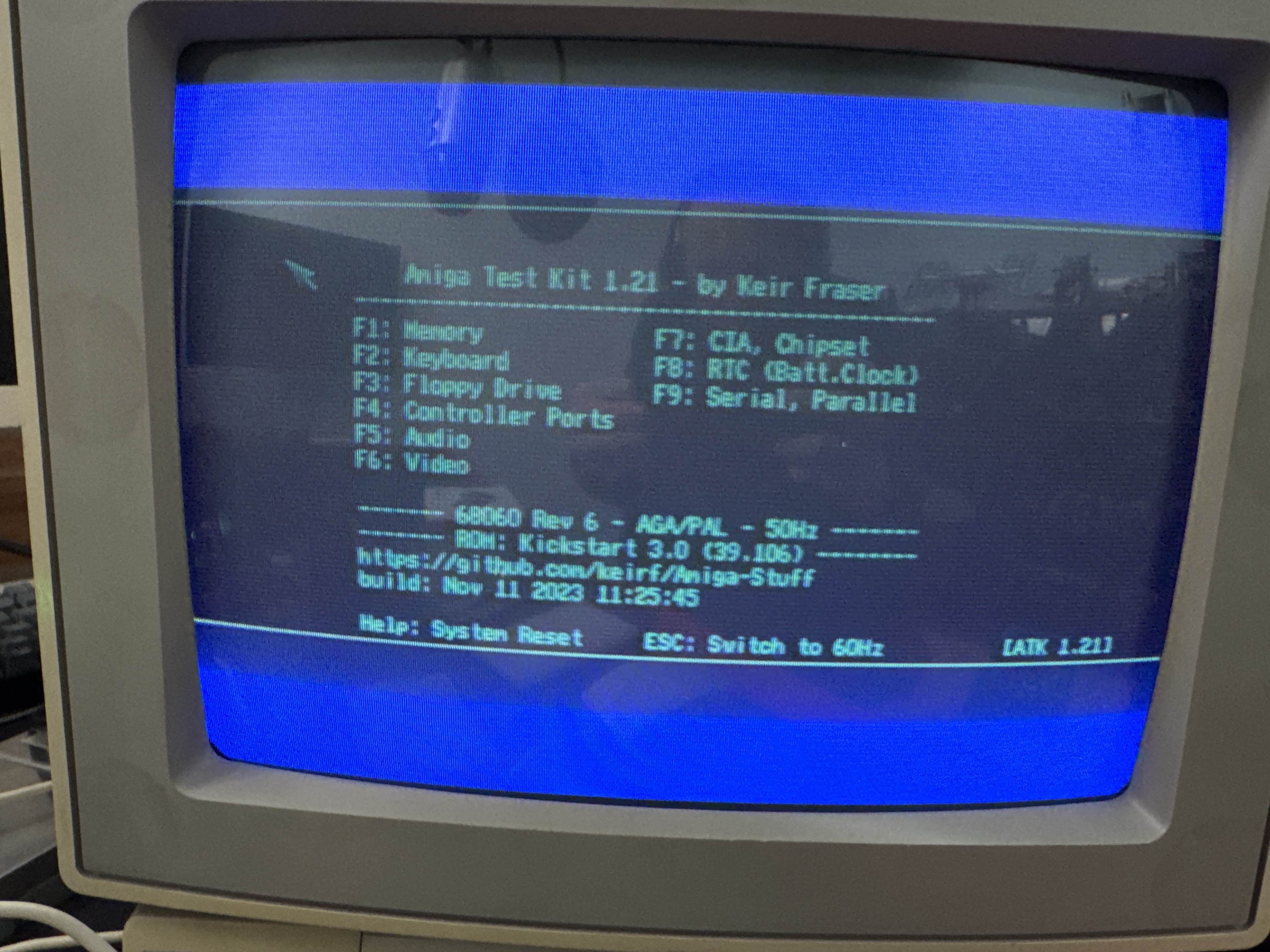
I tried to identify the CPU using OS tools and SysInfo, but they showed 040 with no FPU instead of 060 with FPU, which this should be. I was getting worried that the CPU might be a fake, but I was able to download Amiga Testing Kit, which identified it as the Rev.6 it should be!
The other readings were incorrect, most likely due to missing CPU library. There was another issue though - the OS I had installed tried to use the FPU for some reason, and it failed due to that missing library. A full reinstall will be required.
But that SD with OS stopped working anyway, even without the card in slot, as it was Workbench 3.1. What I did not know about the new 3.2.3 ROMs was that these were not backwards-compatible, and any Workbench before 3.2 would not boot on them.
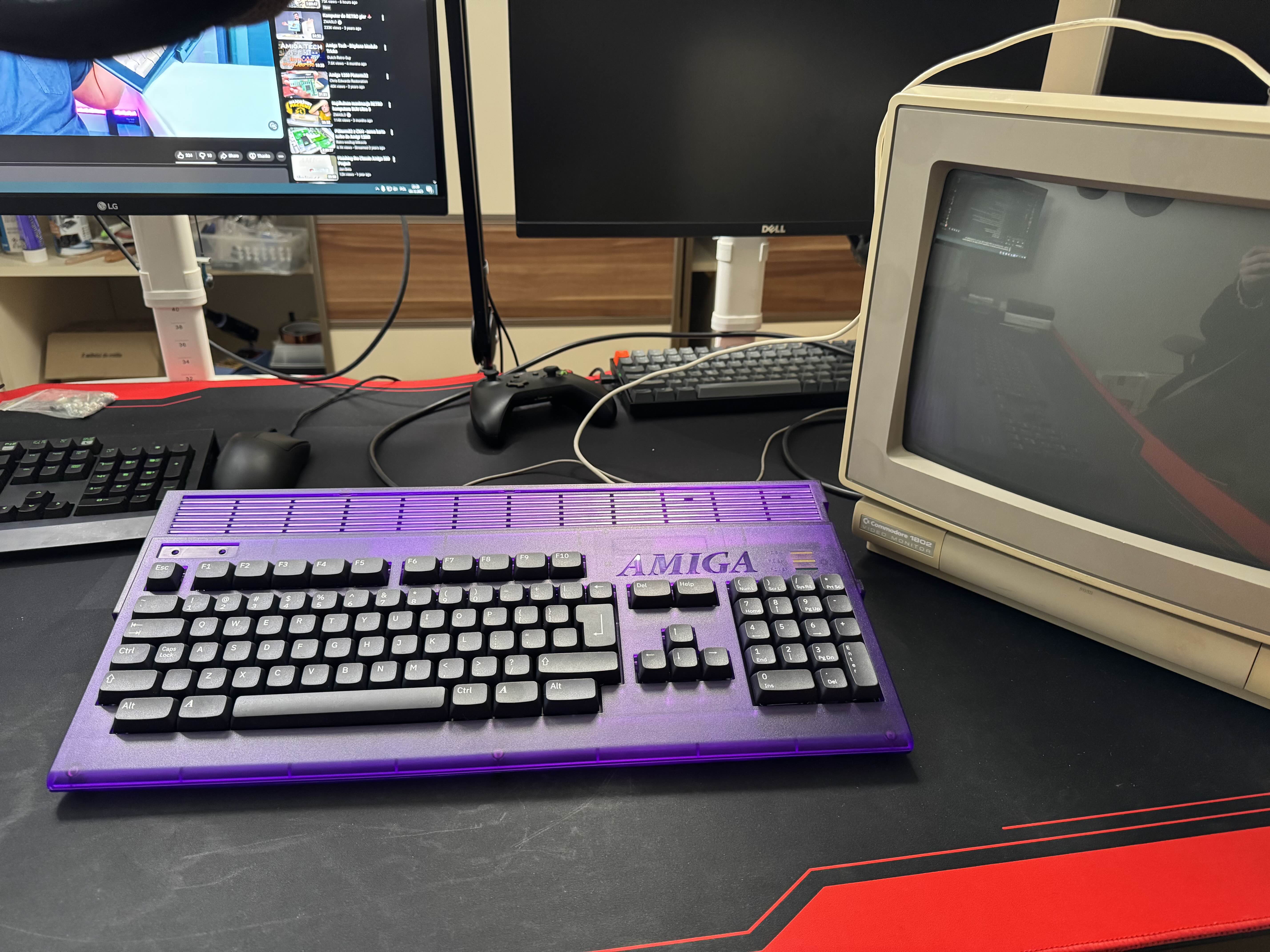
The package with new Case has arrived! Unfortunately the CF adapter that I could use to install new OS wasn't there. I've sent an email and shop should send the missing adapter, but it was nearly a month and the "we'll send it tomorrow" didn't happen yet. I'll contact them again after Christmas.
There wasn't much I could do at this point. I have ordered second SD card and closed the case just to see how it would look completed.
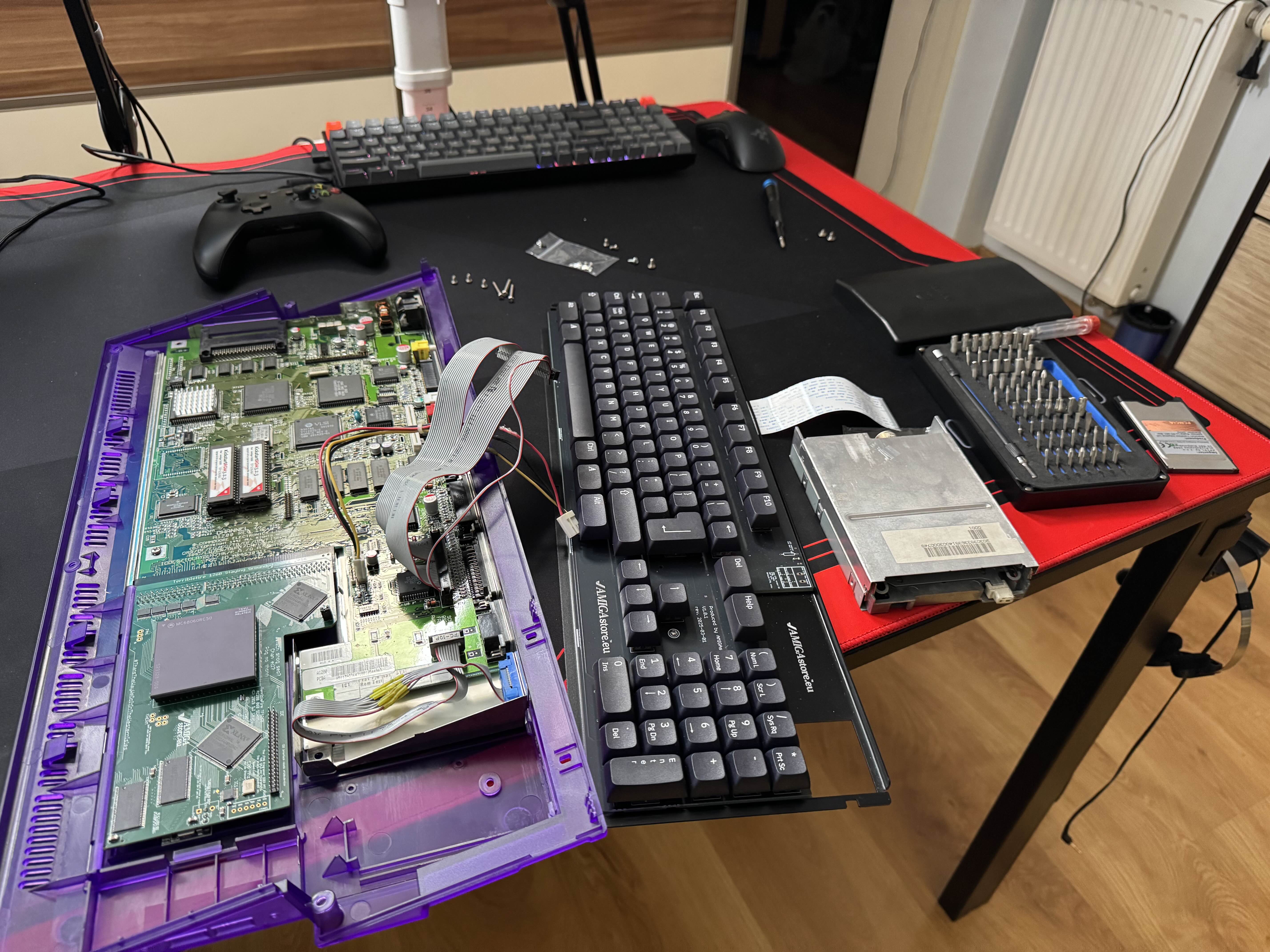
But not for long, as I had to open it up again soon after. I have also tried using the PCMCIA CF card reader, but it didn't work. I'll get back to it one day.
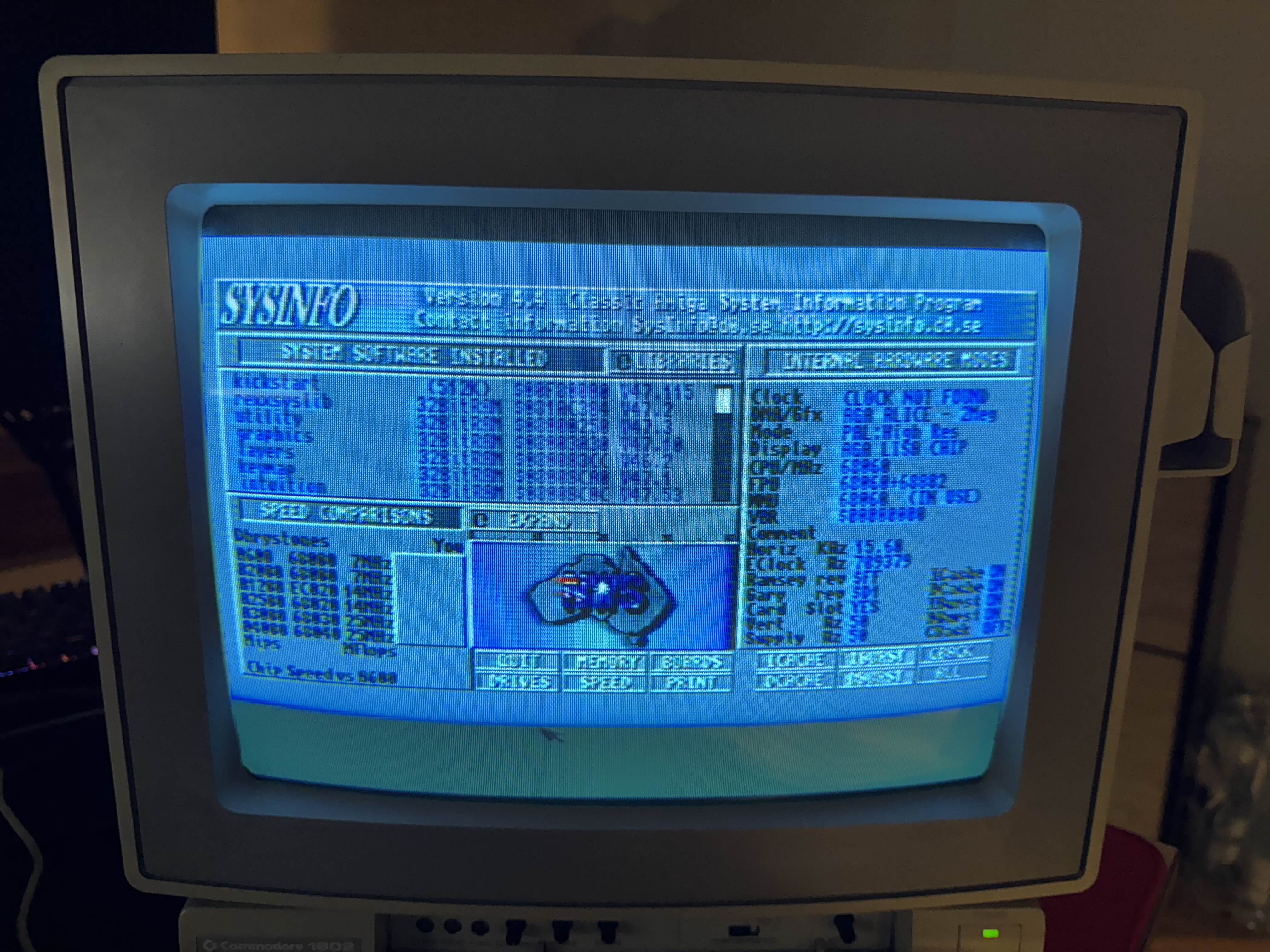
With second SD card I have installed the new 3.2.3 OS that I bought. Installing drivers from a floppy that came with TF1260, as well as MMUlibs resulted in CPU showing up correctly in both OS tools and SysInfo!
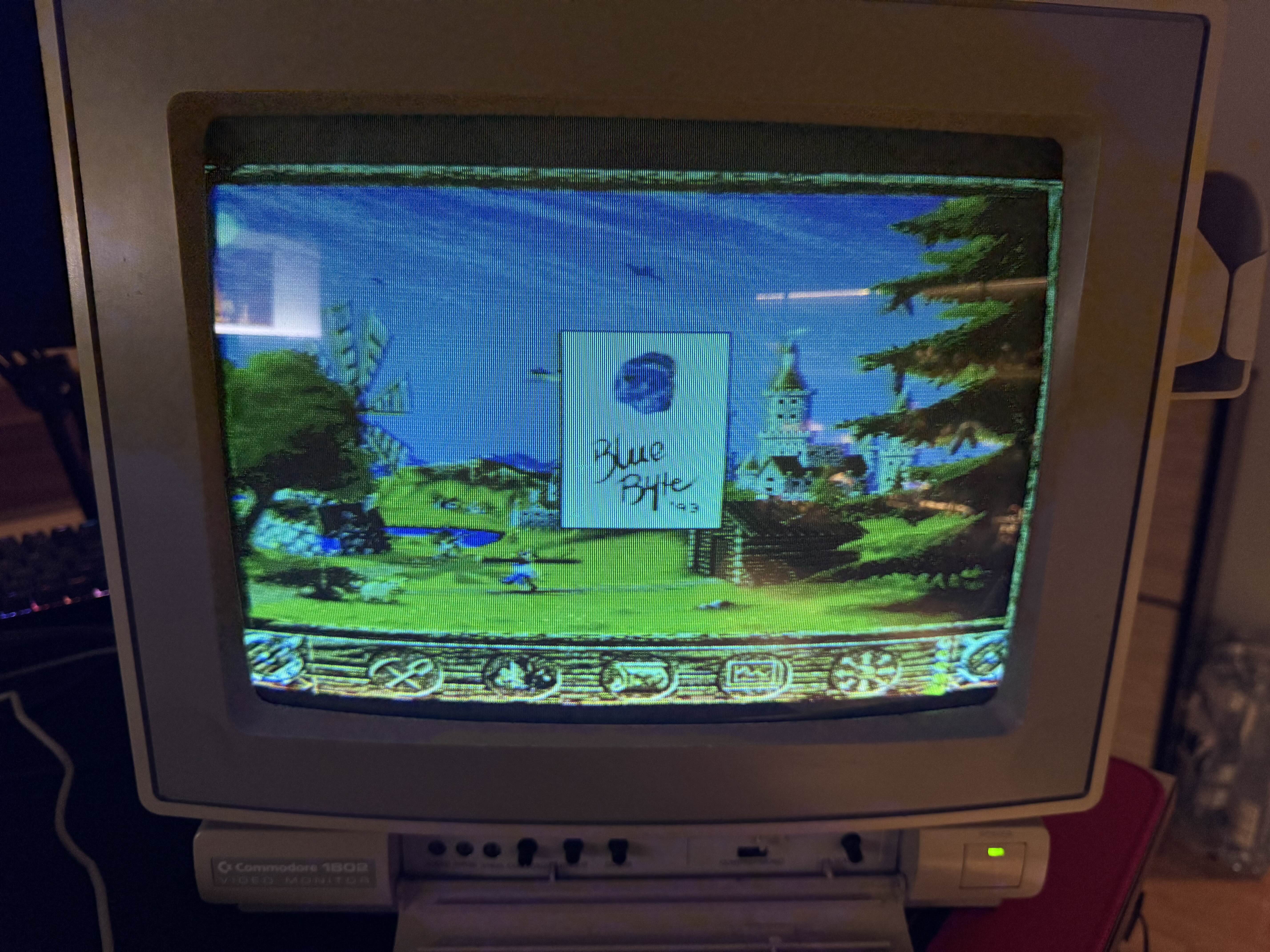
I have tried to run some games, but the 060 CPU turned out to be more problematic that I thought it would be! A lot of games either did not start, or glitched. After some searching I was able to find a copy of The Settlers that worked.
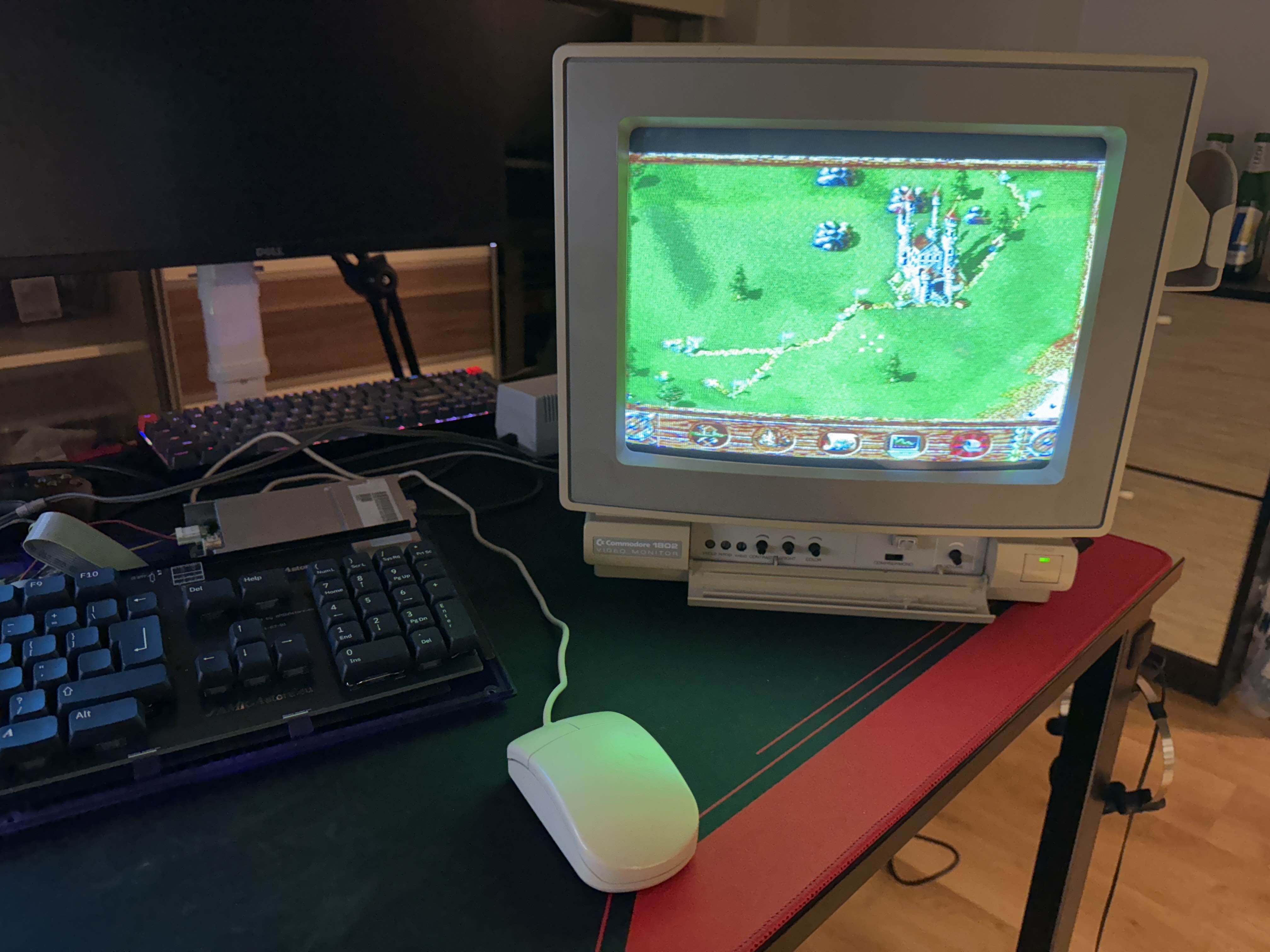
I was so happy that Settlers worked that I spent next 3 hours completing the first mission. This game is so good.
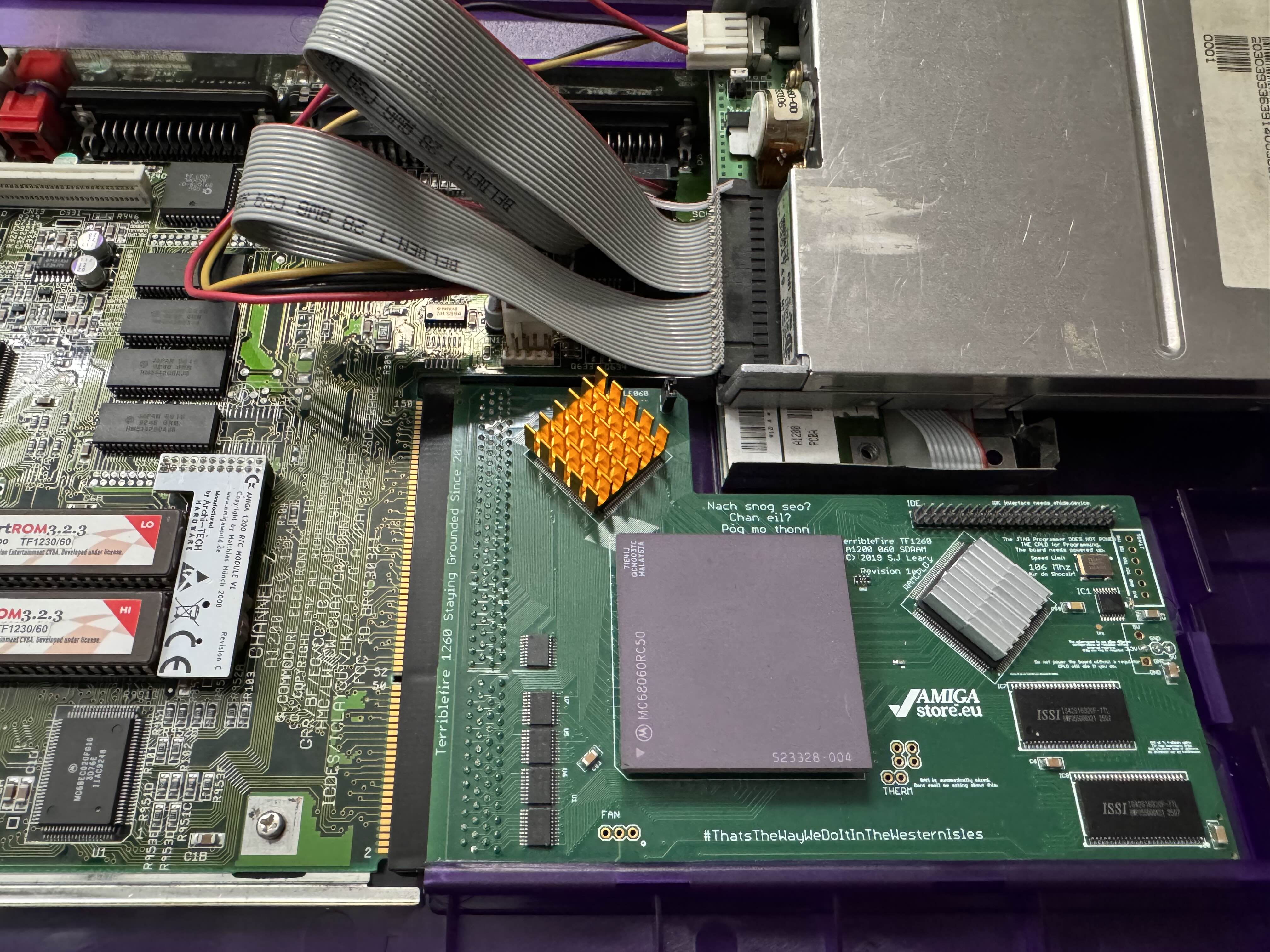
TerribleFire 1260 accelerator requires some cooling to be stable beyond the stock 50Mhz clock. I have ordered some heatsinks of various sizes, and thermal tape. I have attached a smaller ones to CPLDs on the card.
The CPU itself still needs cooling, but it's a bit more complicated. Because there is a keyboard on top of this card, and on an angle, it touches the bottom edge of the CPU package and prevents most heatsinks from being attached. Some people take large sinks and file or machine them to be triangle-shaped in order to fit. My current idea is to try using modern laptop cooling, where a smaller coldplate with a heatpipe moves heat to a distant sink with a blower fan attached.
I have ordered a couple, these are very cheap. The coldplates are quite small though. I might have to put a copper plate in-between to help with heat transfer, though that means double tape, which is bad. I leave that issue for the future.
If you look to the left of the photo, you can see the new Kickstart ROMs and an RTC board.
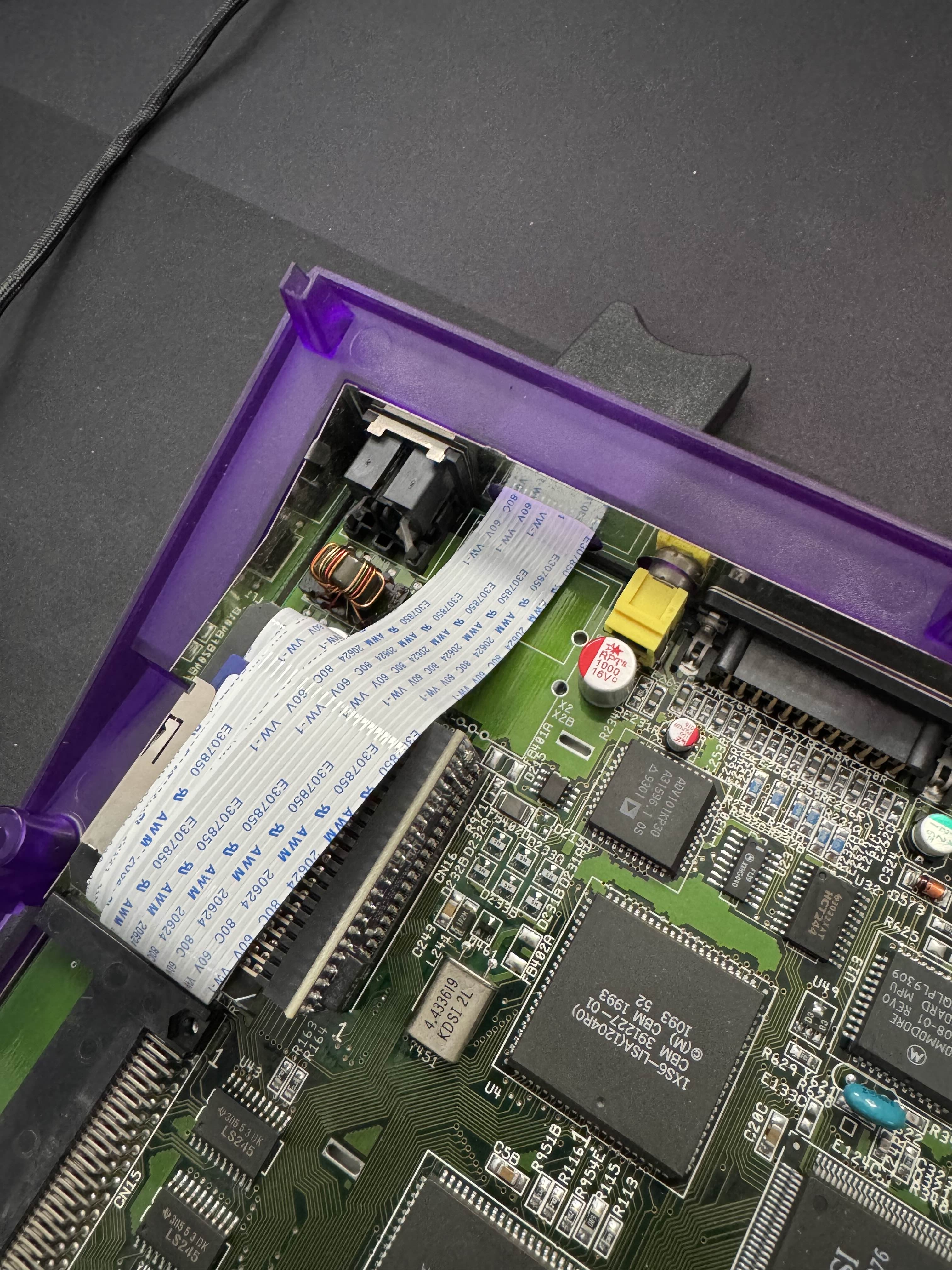
I found myself pulling the SD card out frequently to copy new games and utilities on it. This was problematic, as it prevented me from closing the case. I decided to buy an SD card extender on a ribbon cable and get it out via the hole left after the RF modulator.
Since the ribbon is quite long I tried wrapping it around the adapter, but Amiga would not boot. Probably too much interference. In the end the ribbon just goes out and is quite long outside the computer. It's a temporary solution anyway.
And that's it for now! There are many more issues to be solved. I tried running Quake on this Amiga, and it worked. Somewhat. I think OC would be needed - and cooling.
I want to stream playing Amiga games on this hardware, which means some way of capturing the video. There are nice scandoublers for that, but it's expensive stuff. I bought a cheap chineese RCA grabber for now. Video quality is very bad, and it has a bit of a lag, but it works.
Next time hopefully I will be able to write about finishing this Amiga 1200 build, streaming setup, and getting Amiga 600 as close to how I used it 25 years ago as I can.